LMGLOKI MEDIA GROUPLet's talk

Custom CRM development

Your business, your rules Your CRM, too

Don’t sacrifice the features you need for an off-the-shelf CRM. We’ll build a unique system tailored specifically to your business structure, team, and tasks.

The Loki Media Group approach

Your ideas
without limits

We'll bring even your most unconventional business requirements to life.

We know how hard it is to find a ready-made CRM that handles even a third of what you need. We faced the same challenge at the very start of our journey.

Every business is unique. It needs a system with its own logic, features and connections.

How your CRM takes shape

Looping illustration: a cursor selects client, finance and automation modules, drags them into My CRM, approves the plan and reveals the finished system. The LMG team develops the software.

How we work

  1. Discovery & ideas

    We'll listen, study your business and understand your needs. We'll suggest useful features you may not have considered.

  2. Plan & agreement

    We'll agree on timing and cost, divide the work into clear stages and define the outcome of each.

  3. Turnkey CRM

    You'll receive a complete CRM built for your business, with the features and workflows you need.

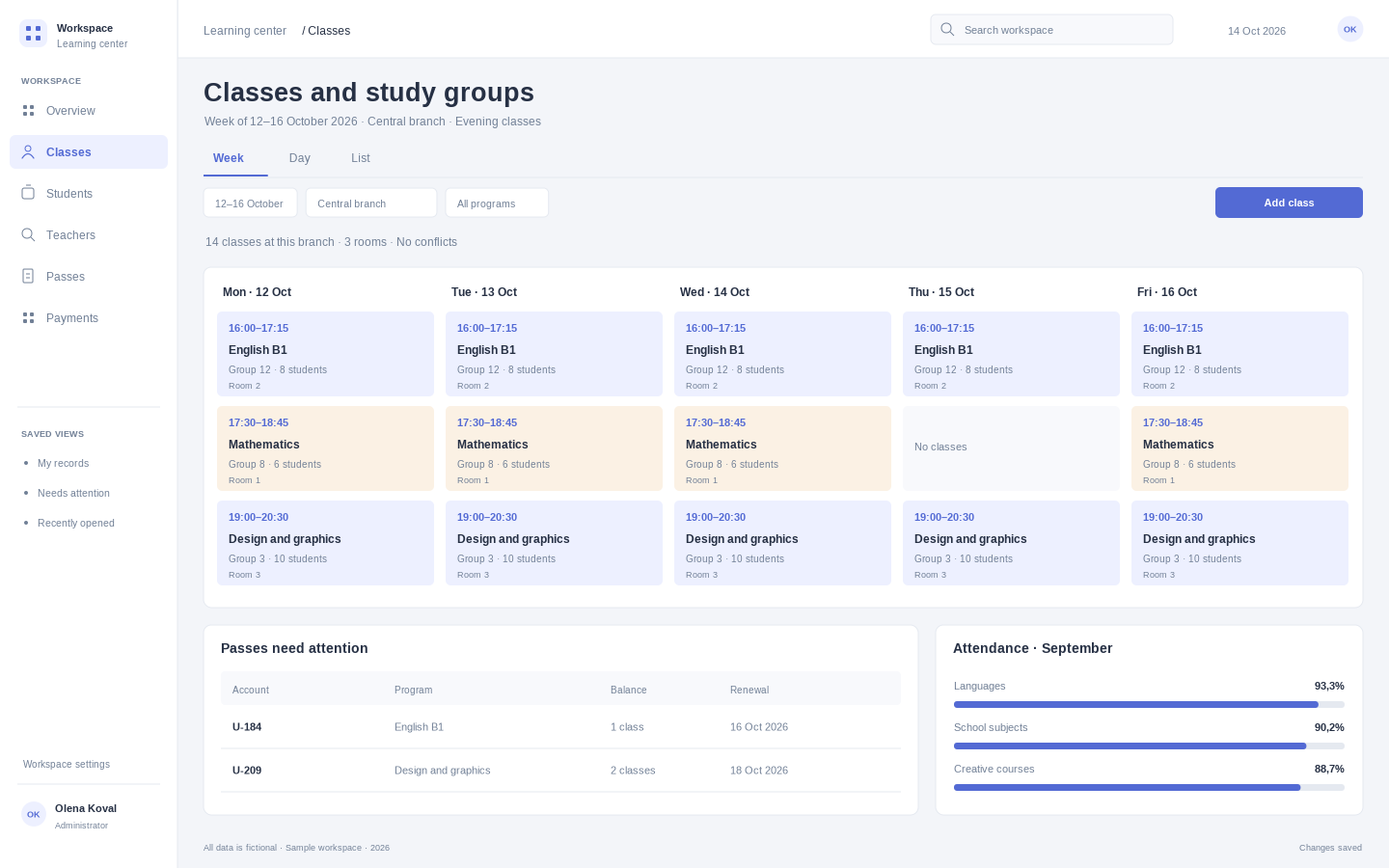
Solutions in detail

Different needs
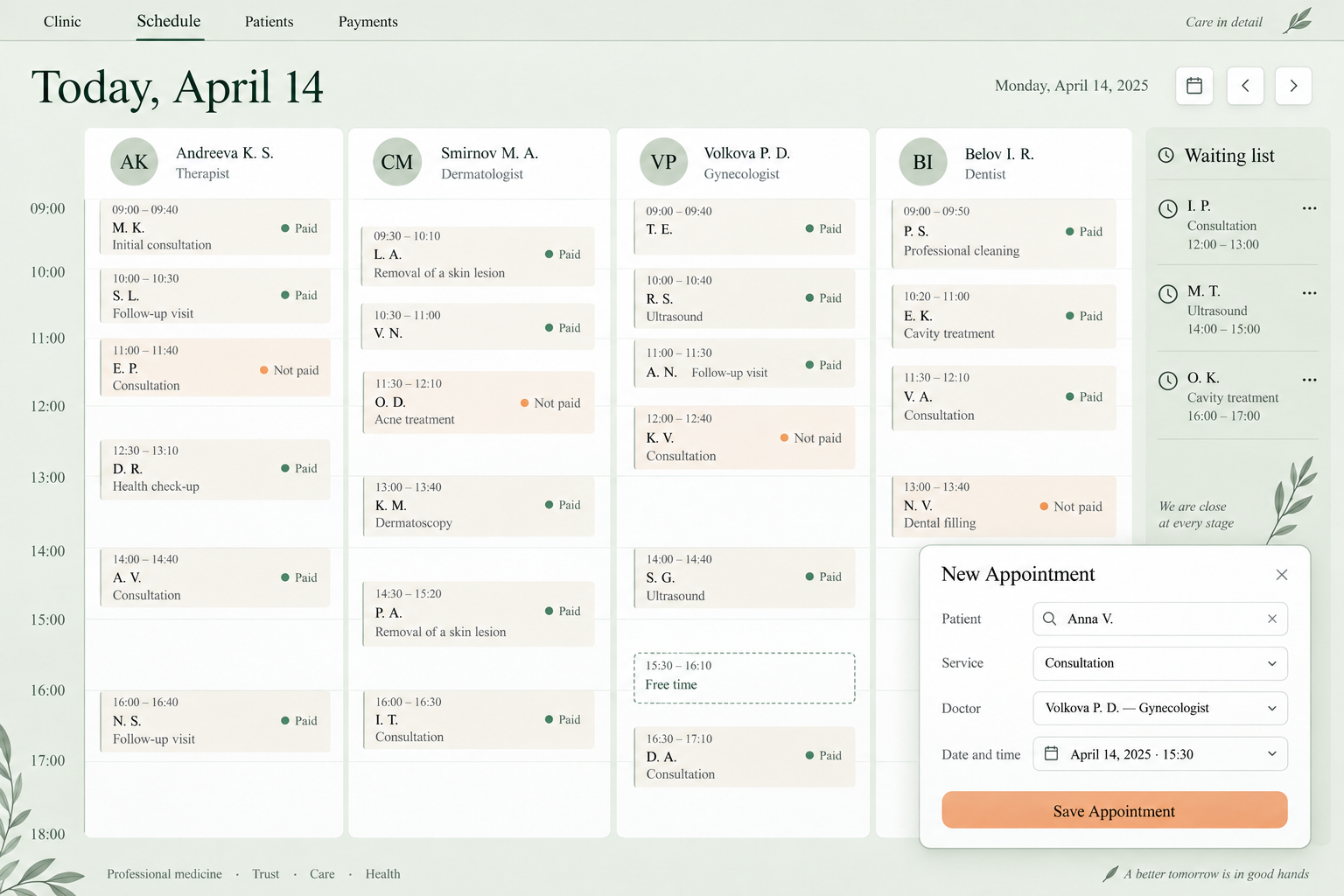
Different interfaces

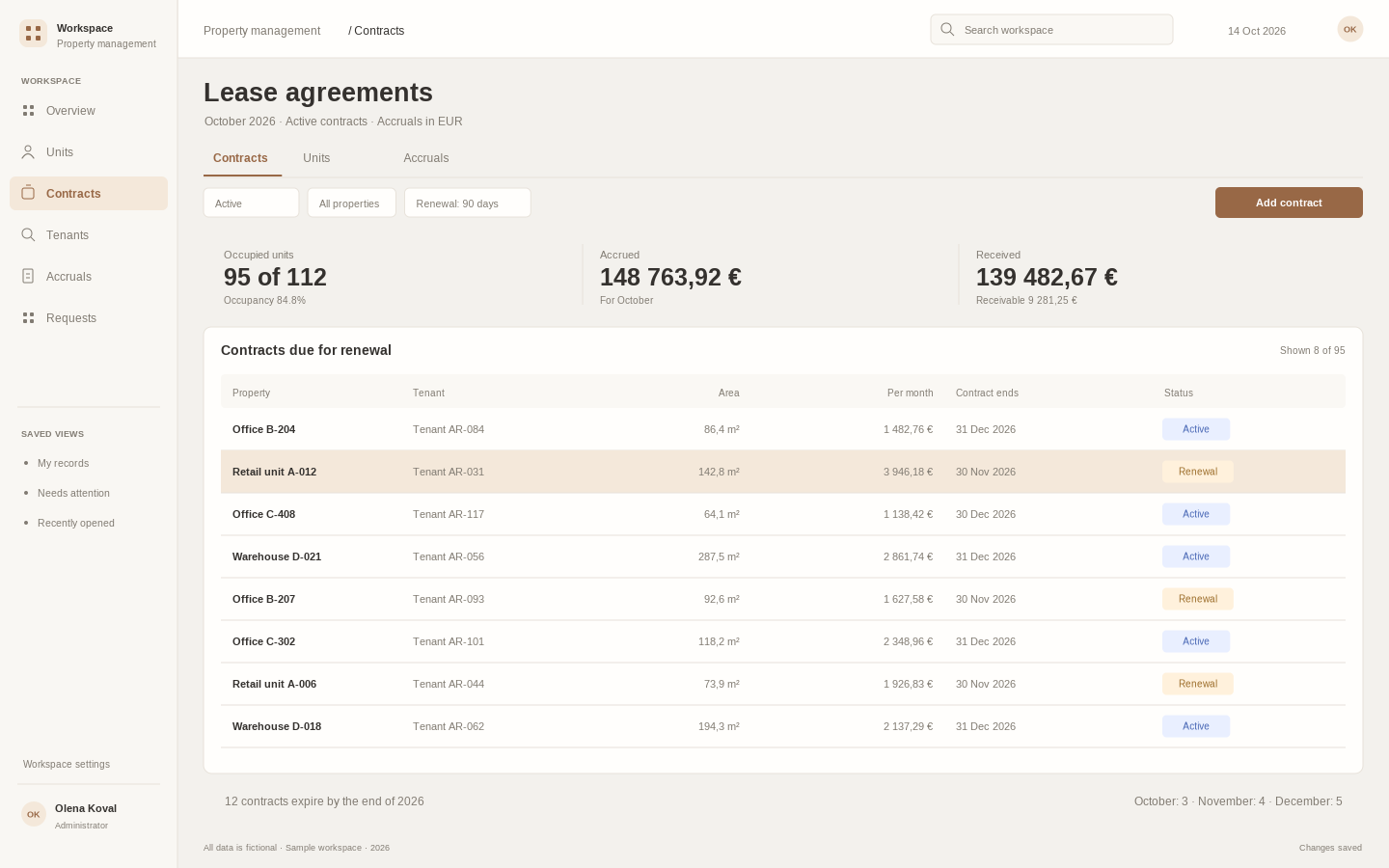
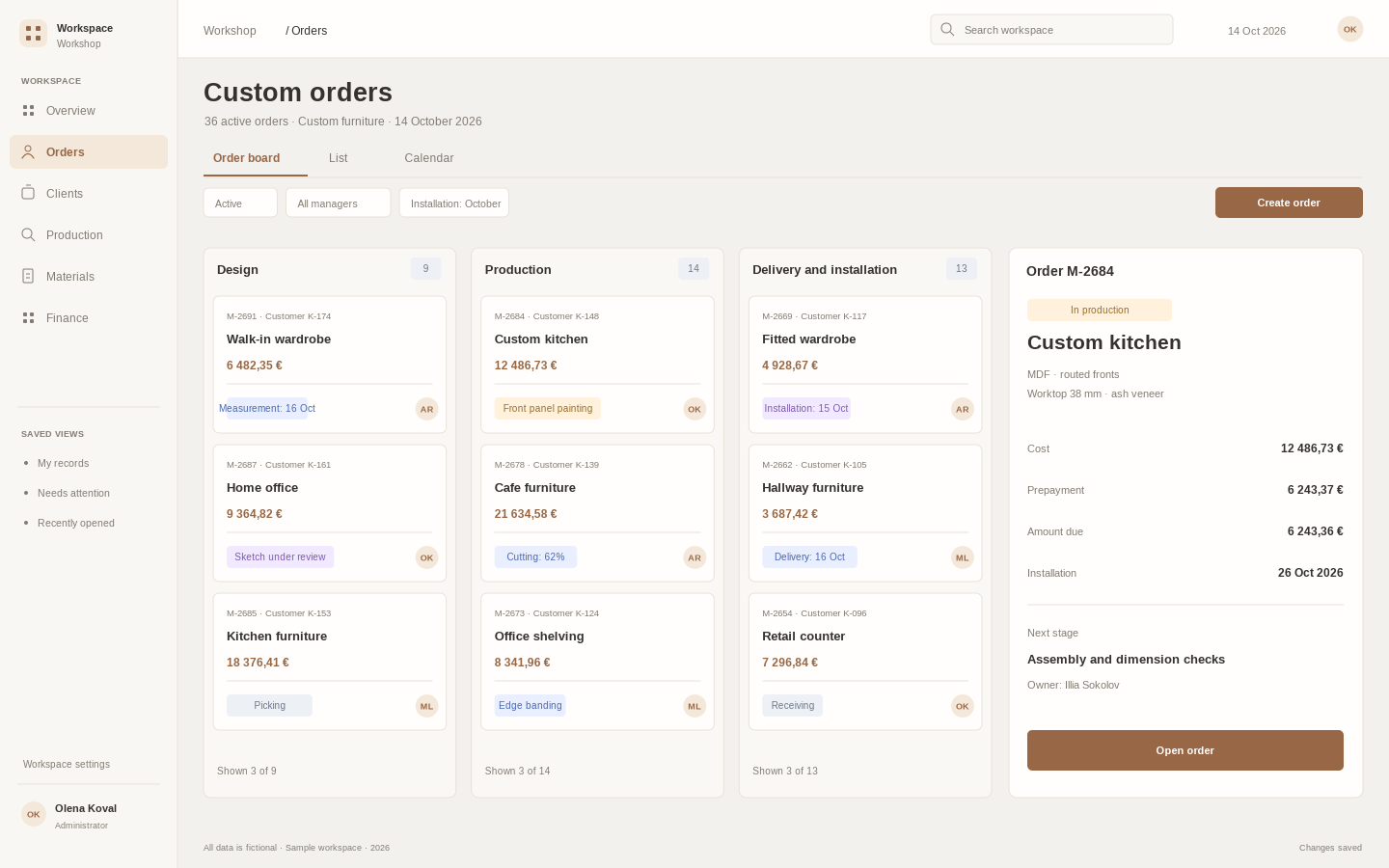
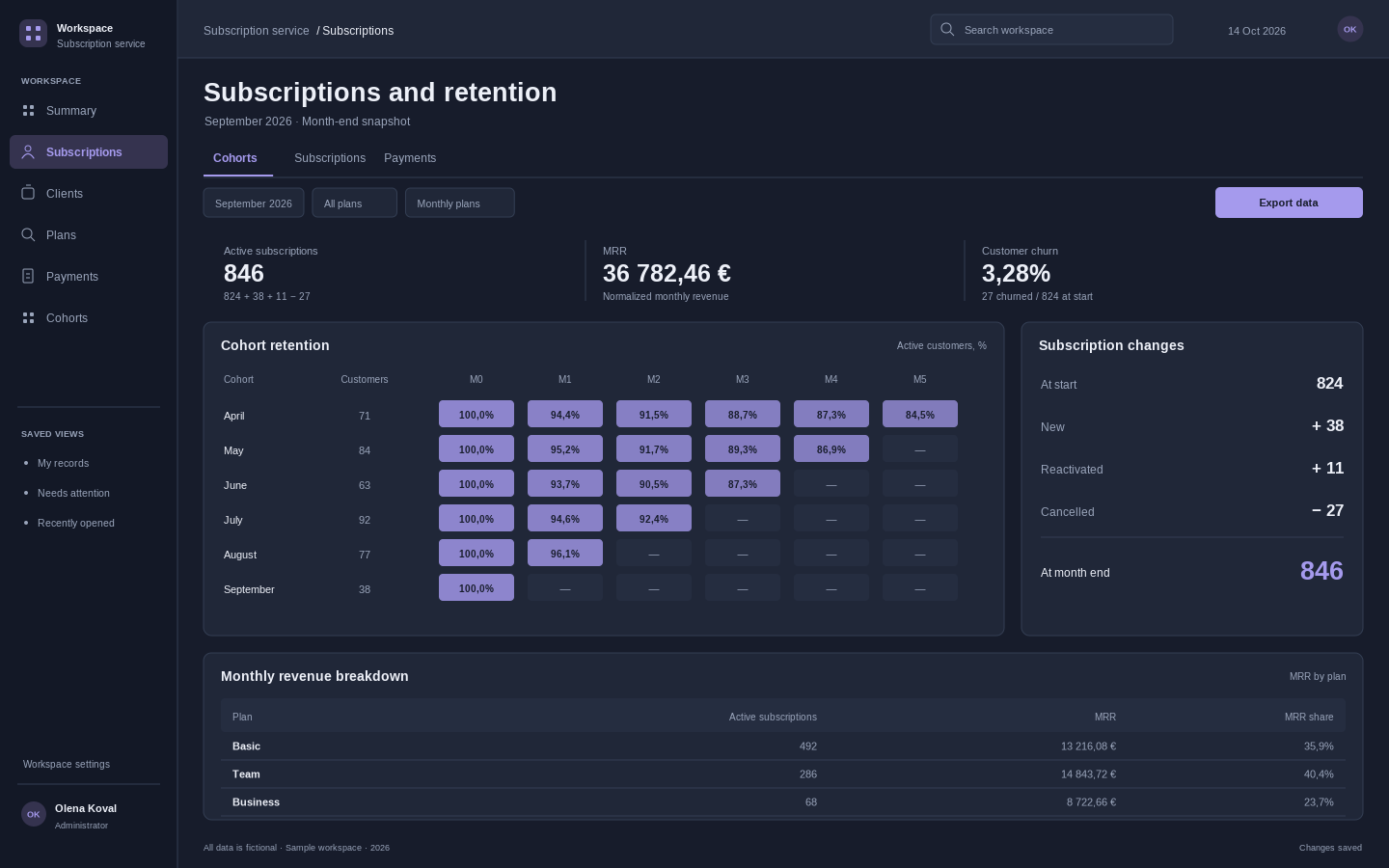
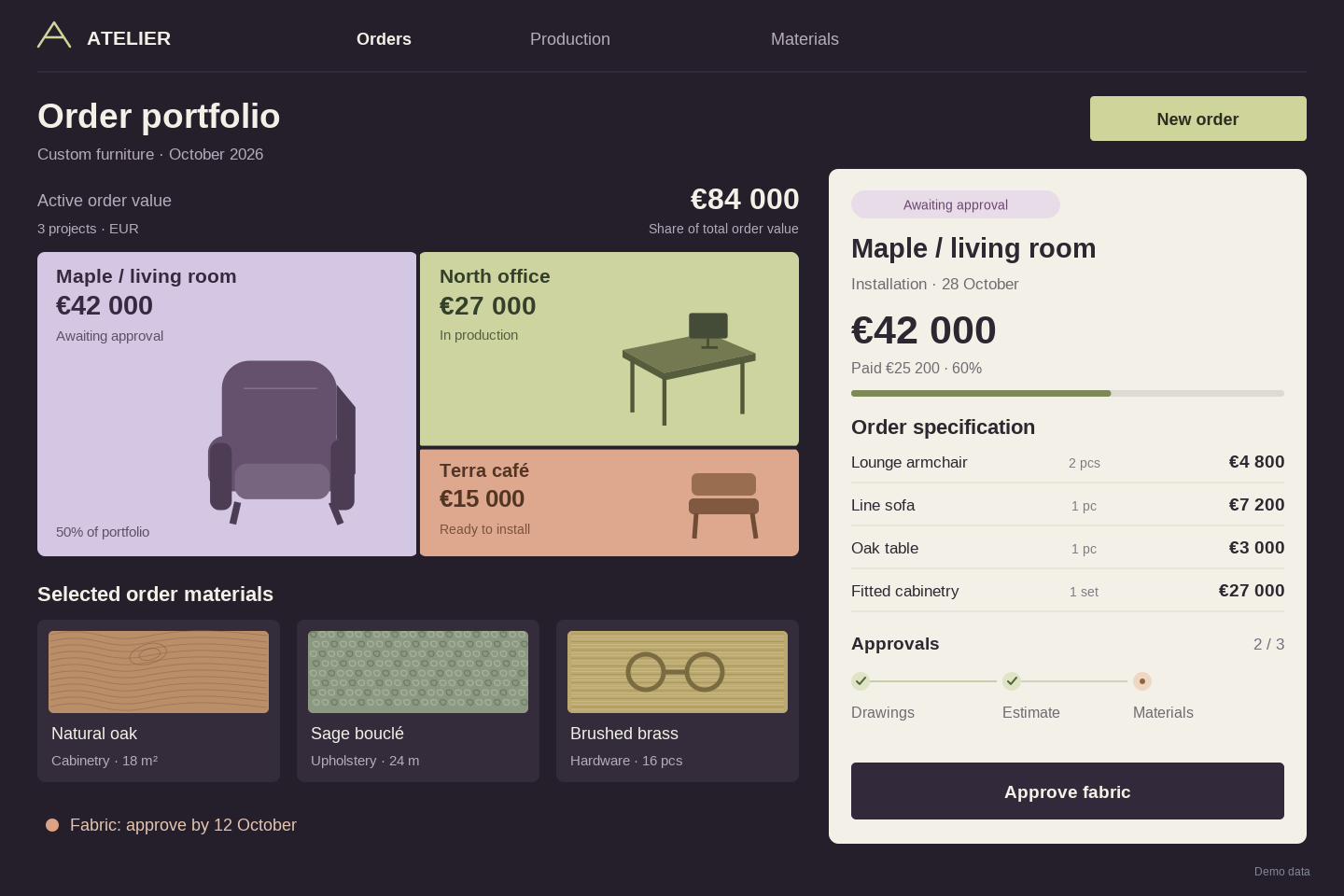
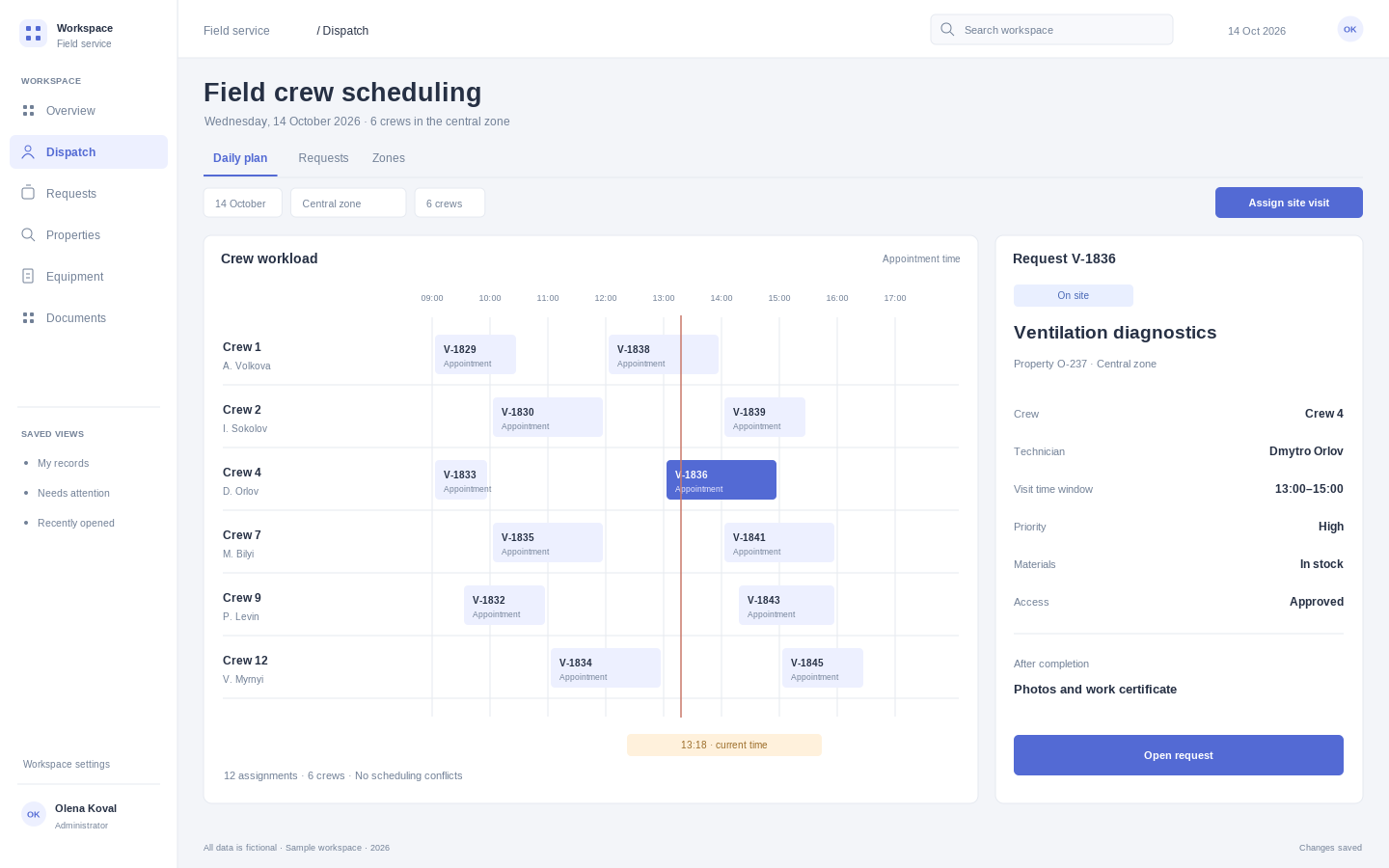
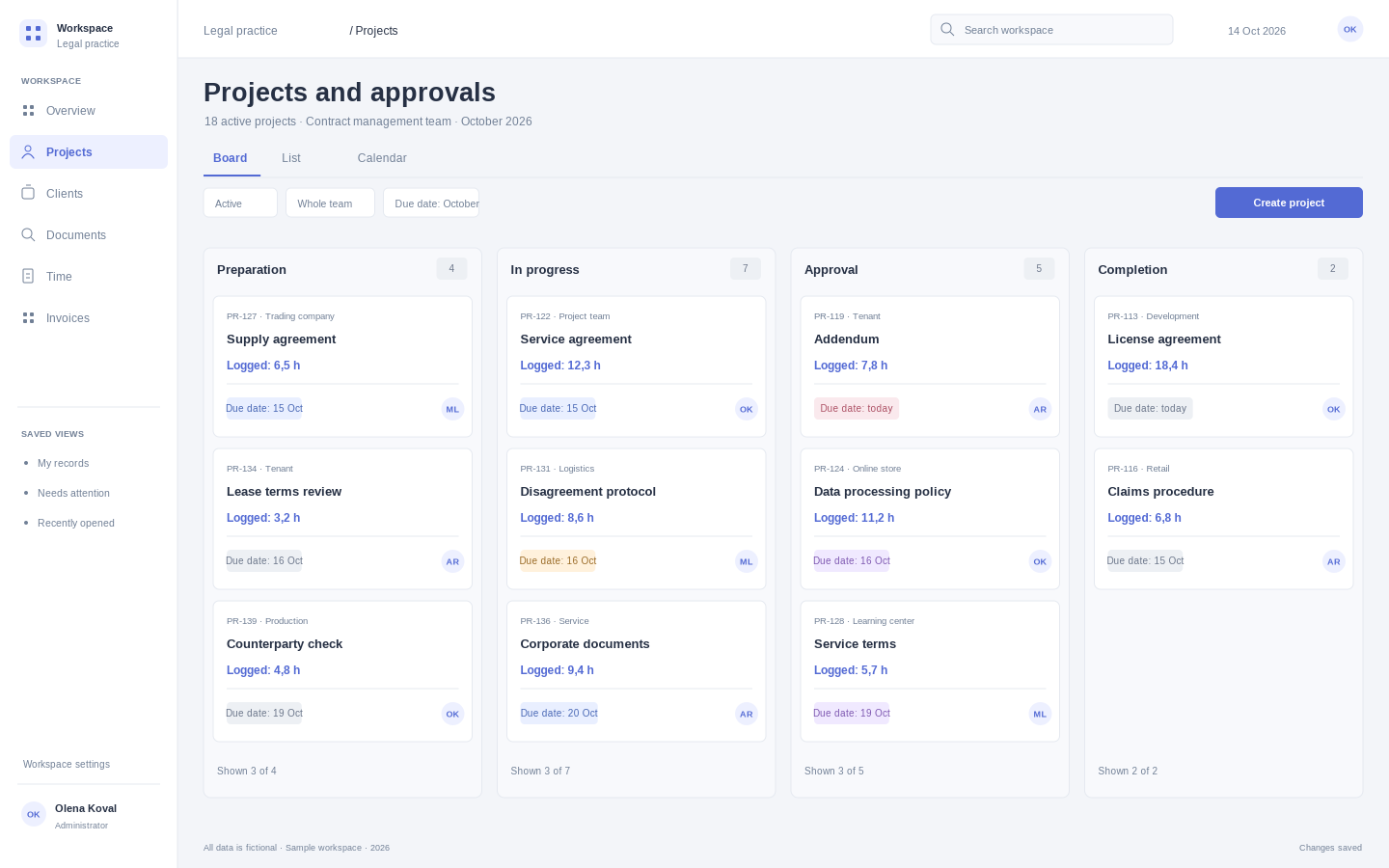
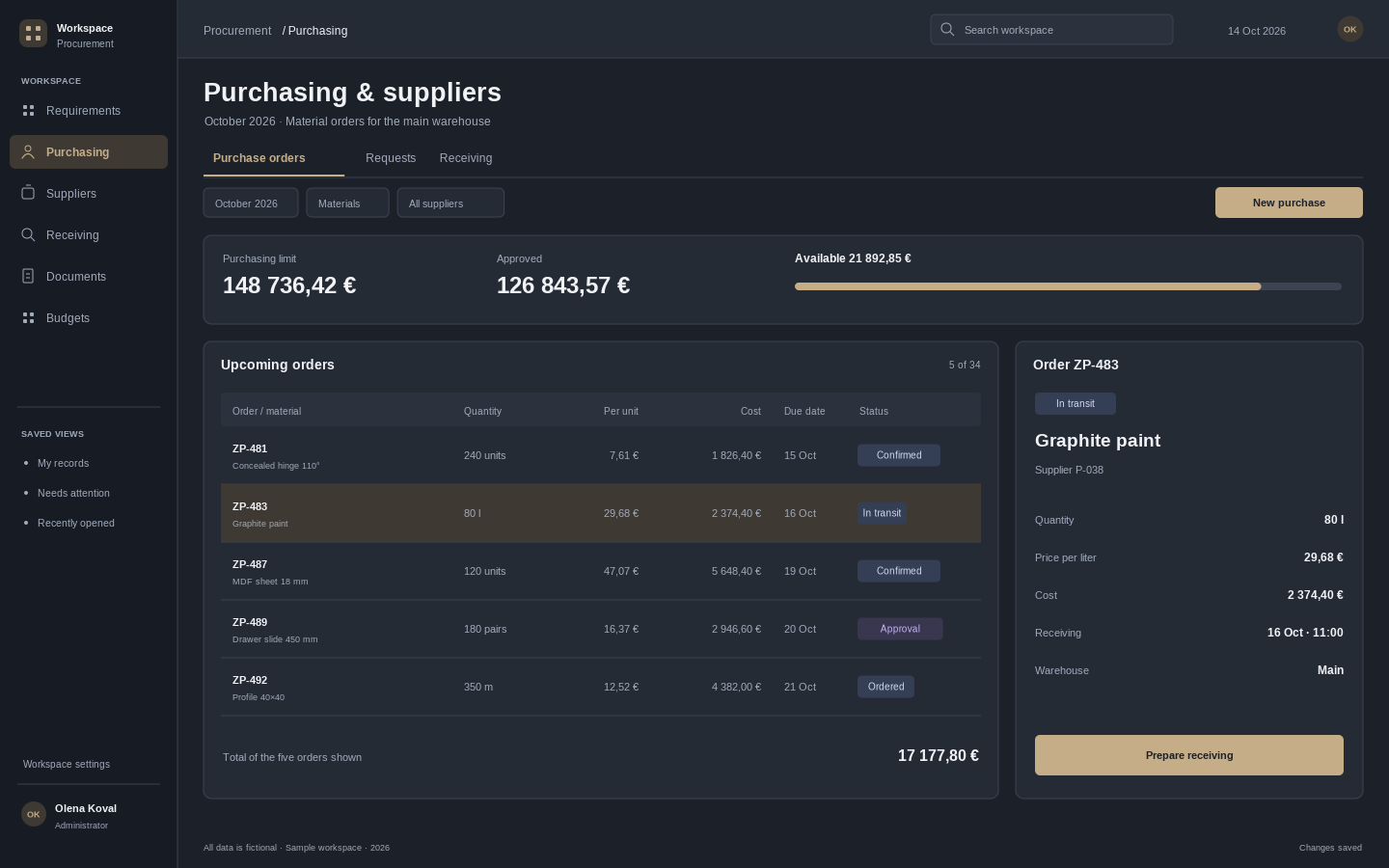
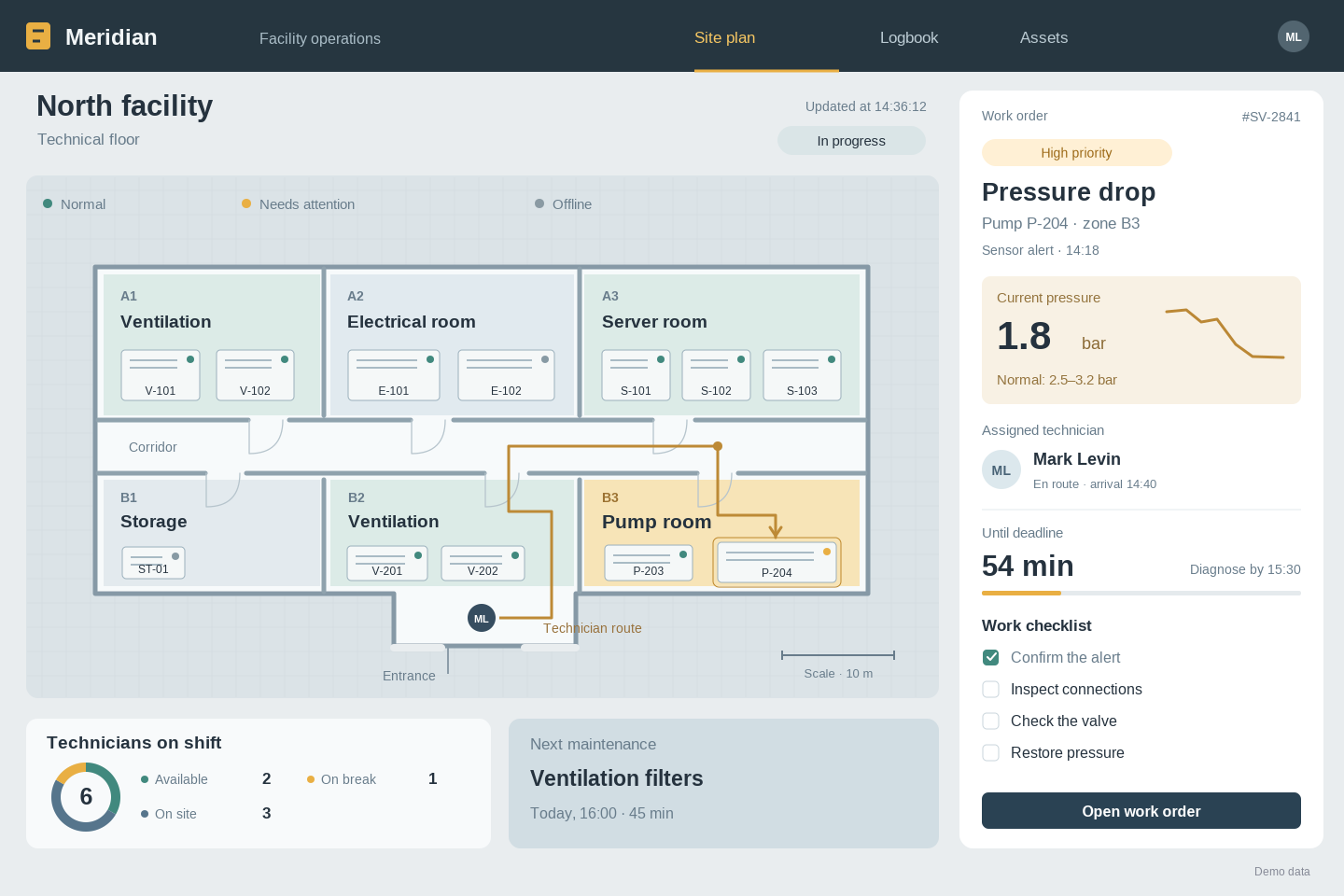
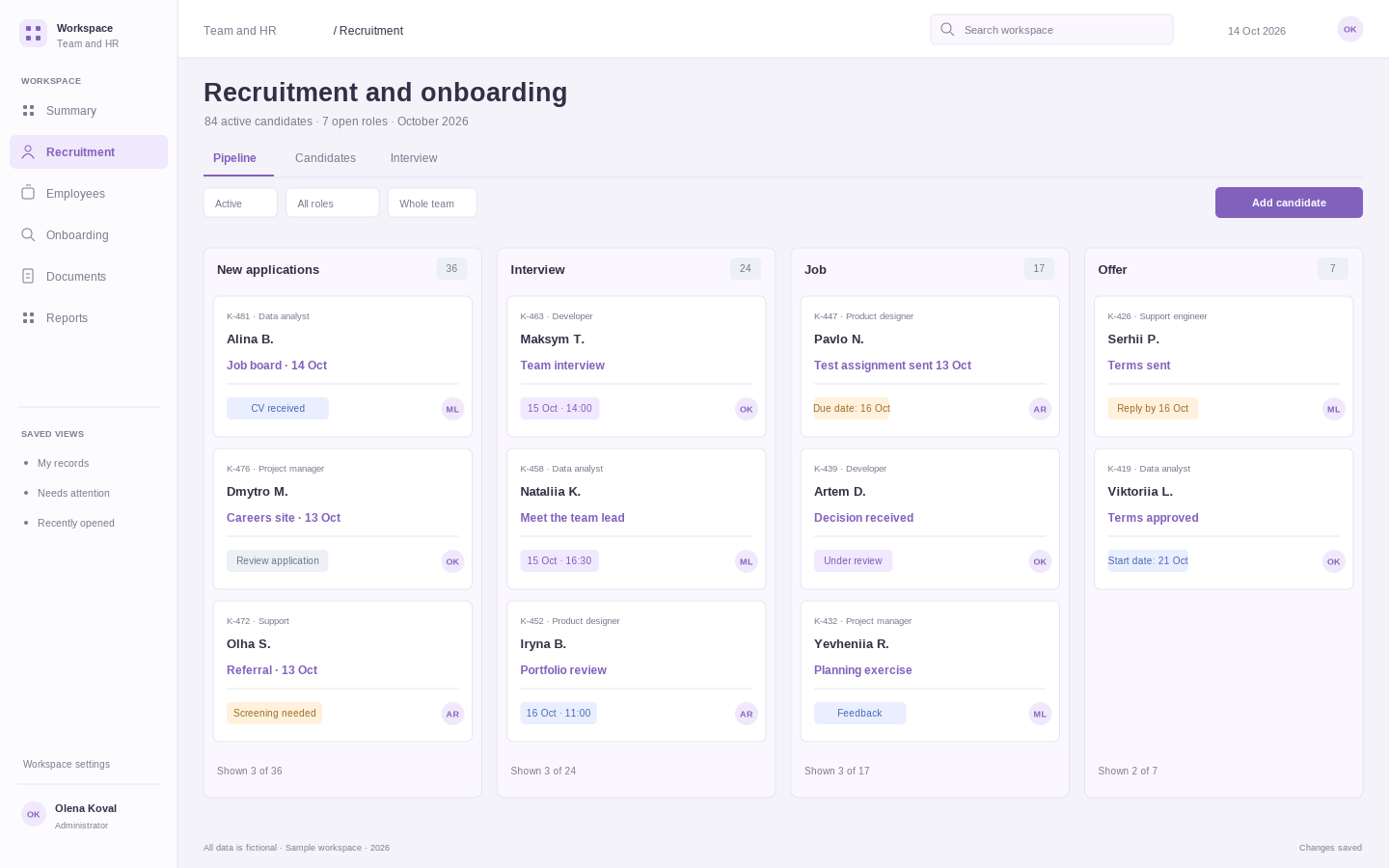
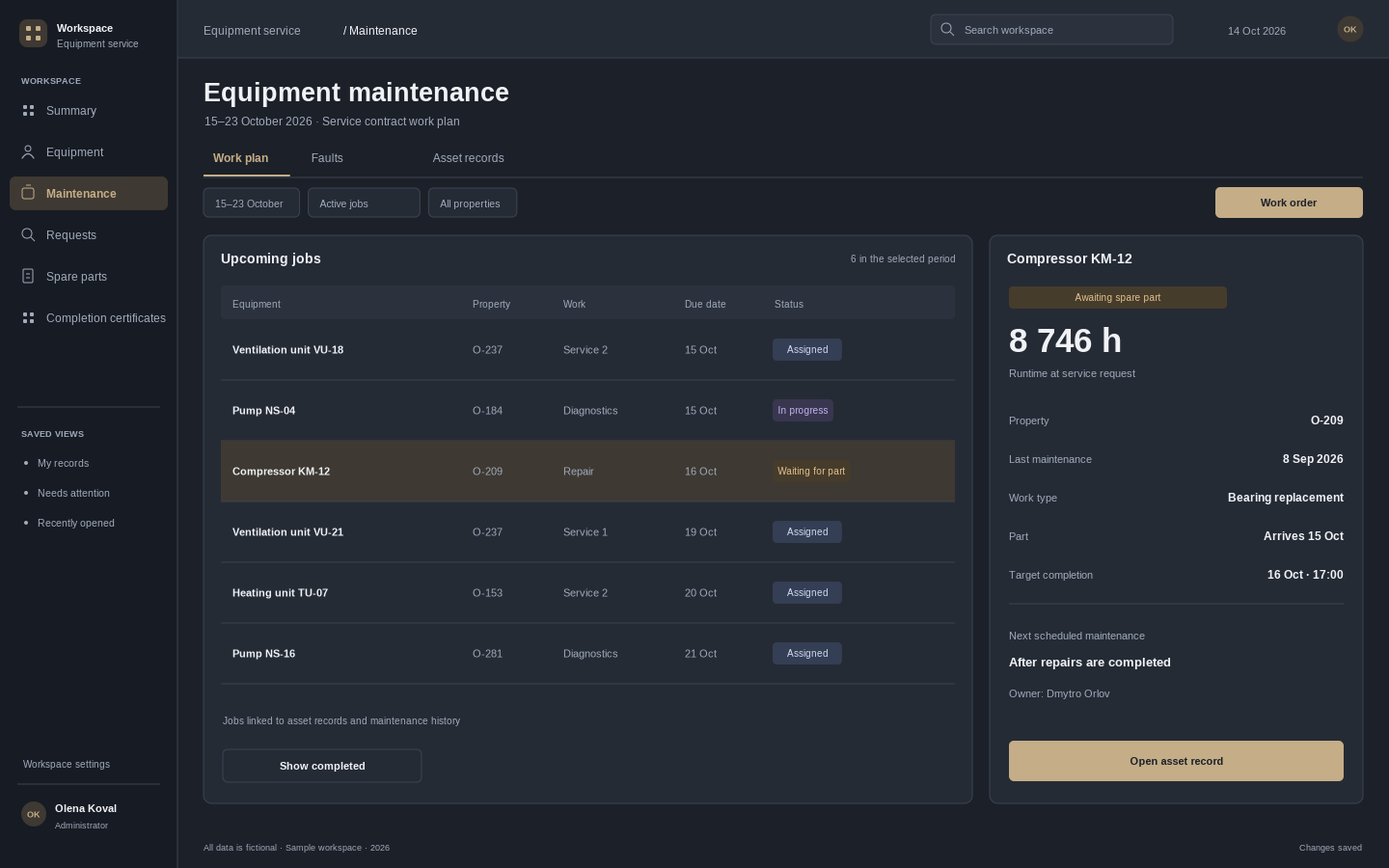
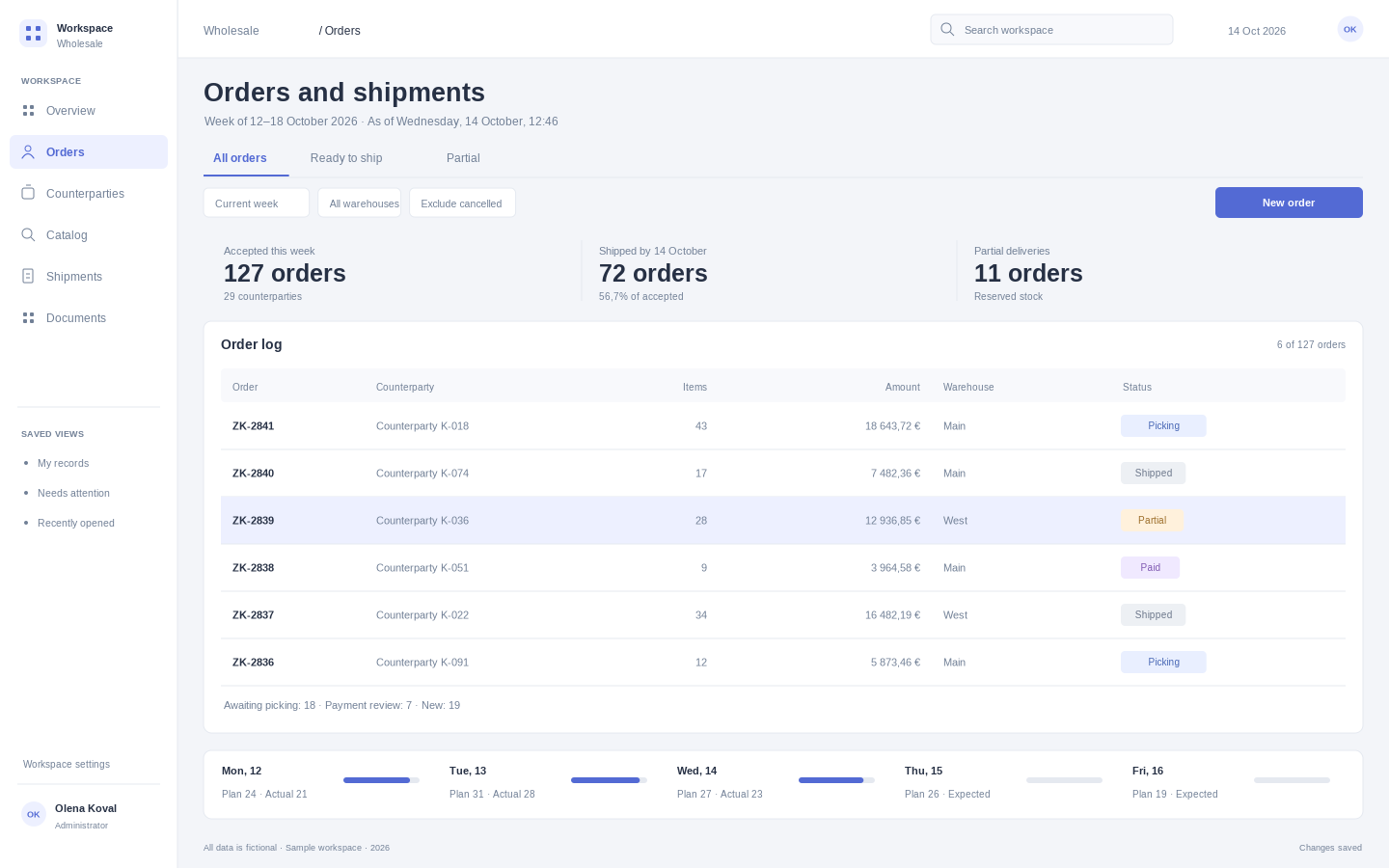
Demo interfaces with fictional data. We never disclose client information.

System capabilities

Everything
your business needs

One feature or several connected processes. Your needs define the system's scope and logic.

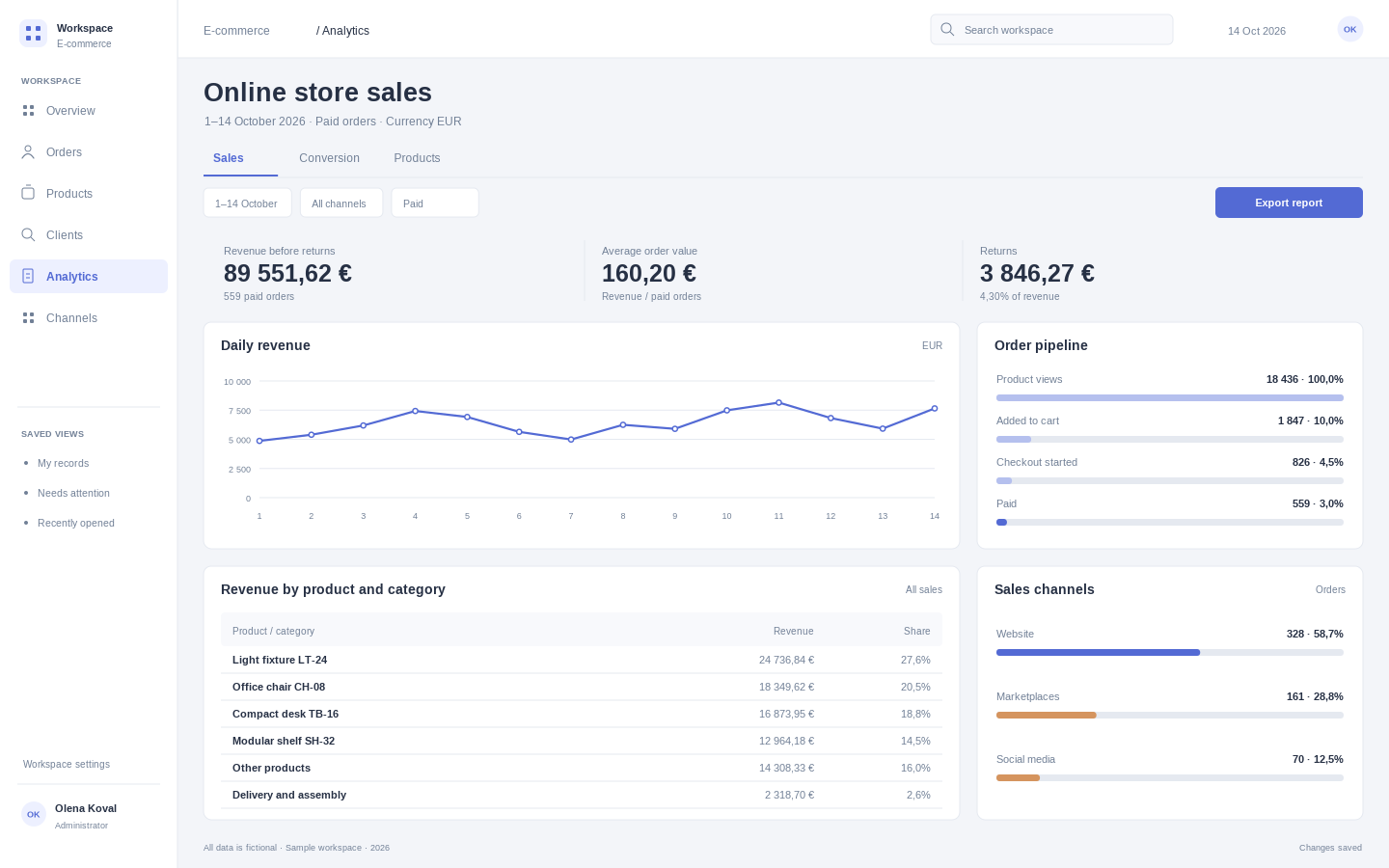
Clients & sales

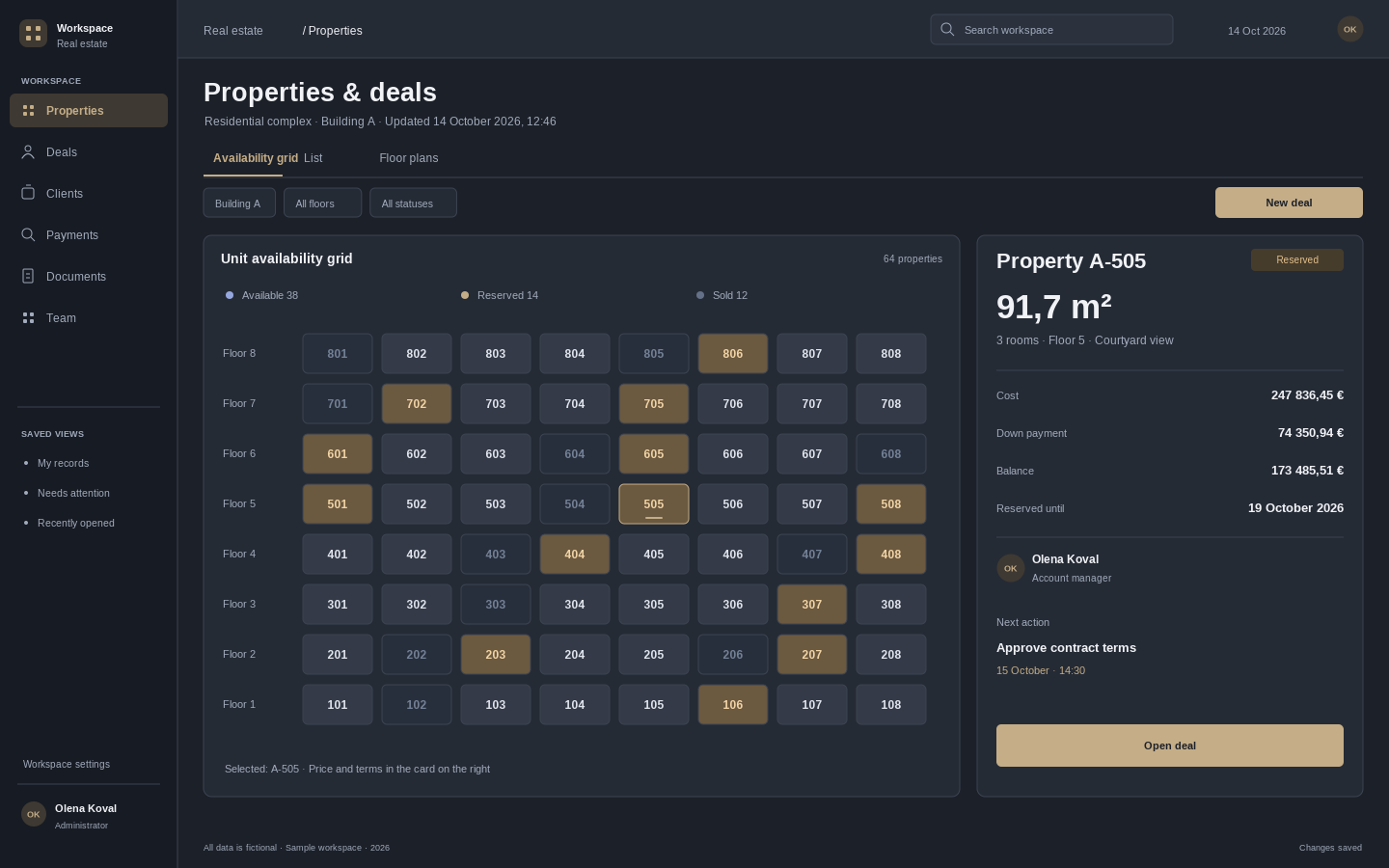
Every business line has its own sales logic

We'll bring clients, enquiries, deals and interaction history together. Each product, service and team can have its own pipelines, record fields and stage-transition rules, while keeping a company-wide view of sales.

Several services in one deal

A client may order several services, each with its own assignees, deadlines and terms. We'll link them to one deal, preserve the agreement history and show the status of each part of the order.

Segments that update themselves

We'll create groups by purchase history, enquiry frequency, interests or time since last contact. As data changes, clients move into the right segment, and the team sees why they qualify and what to do next.

Clients, companies and related contacts

We'll support multiple contacts within a company, branches, representatives and related organisations. Buyer, payer and recipient roles stay distinct; contracts, requests and deals appear in the relevant records without manual duplication.

What your system can include
  • Sales pipelines
  • Customer records
  • Segmentation
  • Lead sources
  • Repeat sales
  • Communication history
  • Duplicate detection
  • Linked organizations
Everything linked to the customer2026
CompanyVector Project
B2B
ContactAnna VolkovaCustomer
Deal #126832 486 €Approval
Contract and invoiceDetails from the customer record
2
One history for the whole team
Scenario illustration · Demo data

Service & support

Every request keeps its context

We'll organise customer enquiries, service tickets and field work. Request history, service terms, staff queues and deadlines stay together, so customers don't have to repeat themselves when a case changes hands.

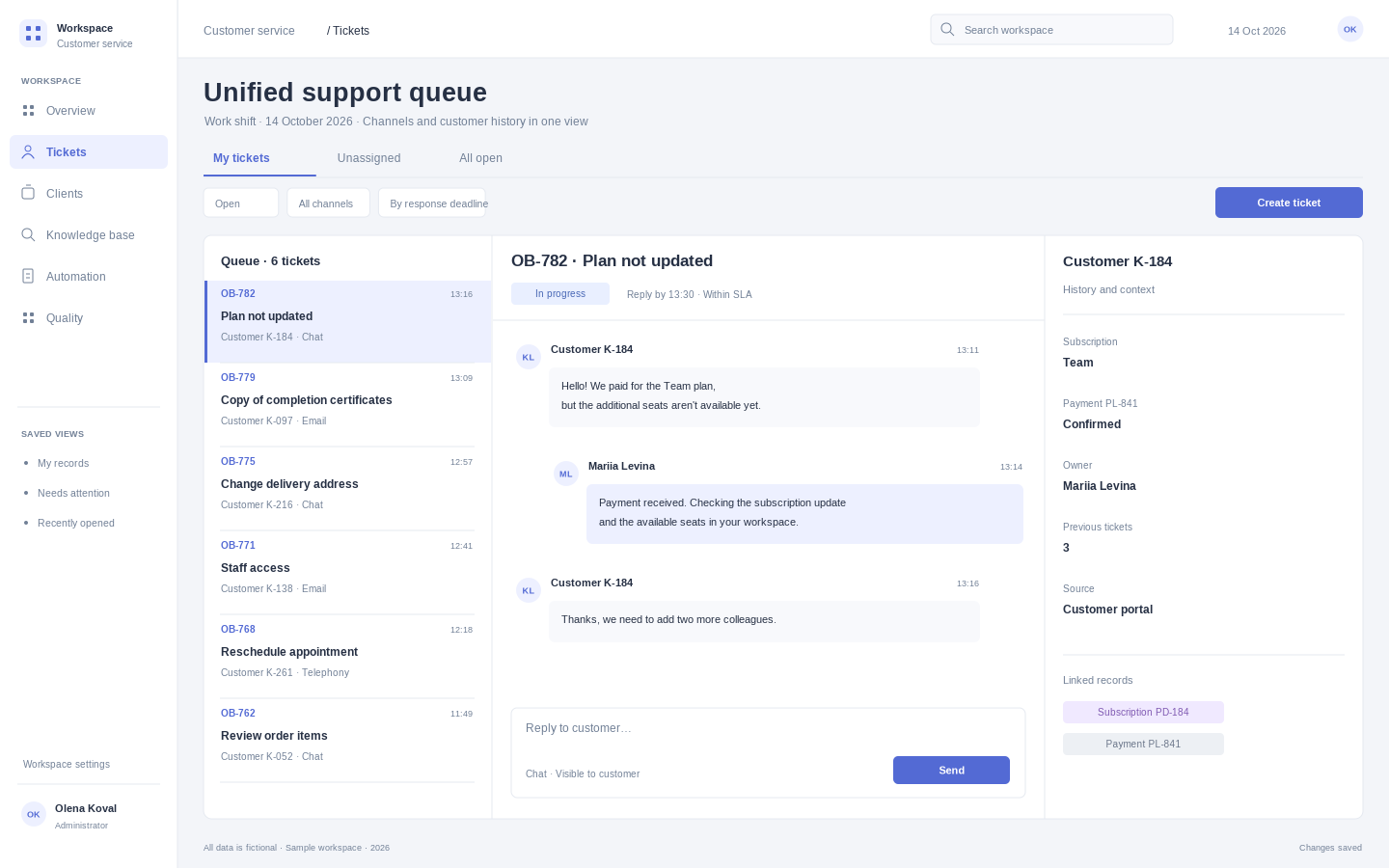
One queue for every channel

Connected channels feed one queue with the client, subject and history attached. Add categories, priorities, skill-based routing and merging of duplicate requests about the same issue.

Response times and escalation

Set response and resolution targets by contract, priority and working calendar. Track time awaiting the customer separately; when a deadline is at risk, notify the owner or escalate to the next support level.

Field service and repairs

Link each ticket to equipment, warranty, specialist and required parts. Mobile staff see the task, complete a checklist, attach photos and submit results for work-completion documentation.

What your system can include
  • Service requests
  • Helpdesk
  • SLA
  • Omnichannel support
  • Escalations
  • Field service
  • Equipment history
  • Warranty tracking
  • Knowledge base
Unified support queue2026
8In progress
2Due soon
Urgent first
Reschedule deliveryEmail · #4083
7 minUntil response
Check paymentChat · #4082
18 minUntil response
Choose a bundleWebsite · #4081
46 minUntil response
Next requests: 3 of 8
Scenario illustration · Demo data

Apps & portals

A dedicated workspace for every user

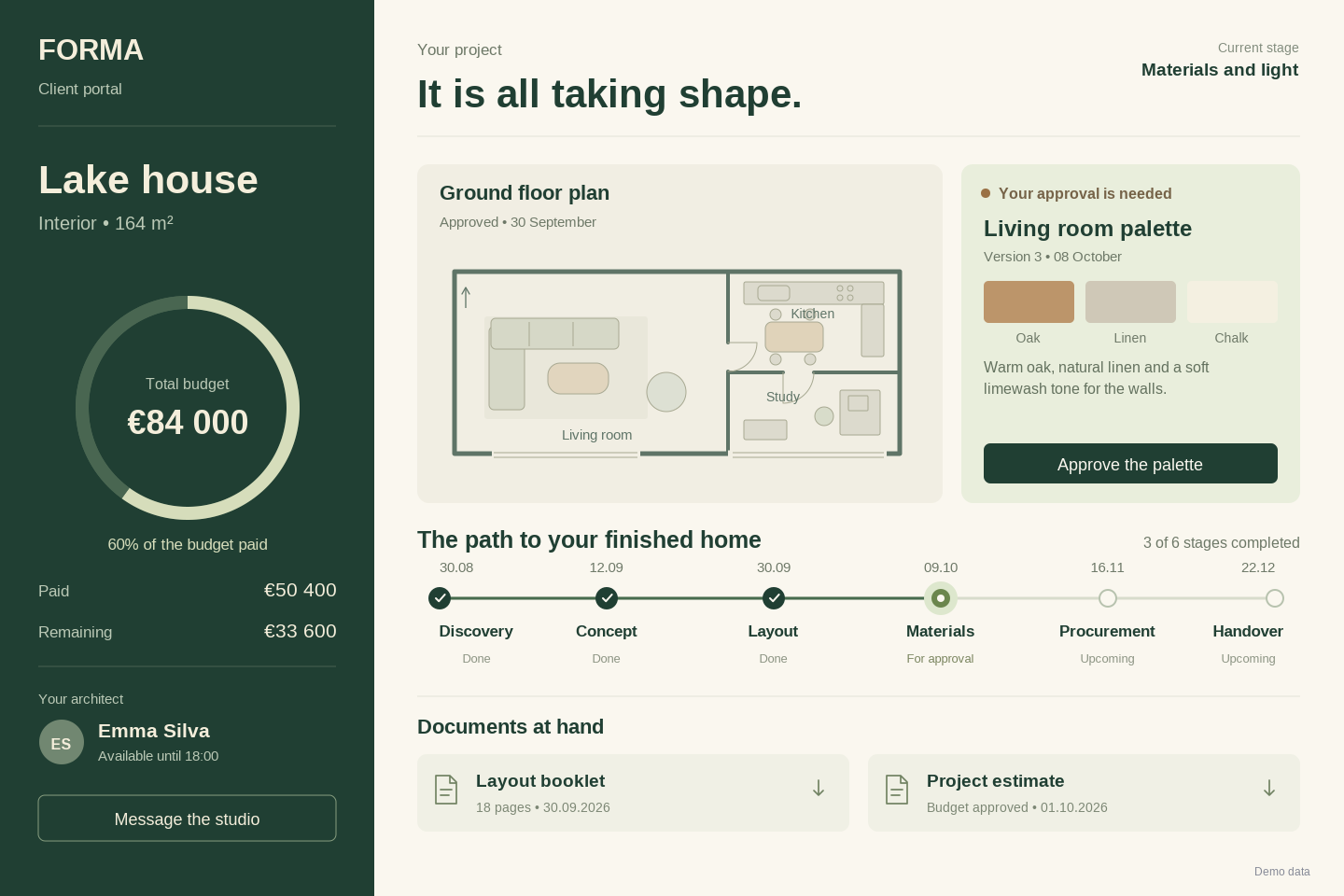
Build a mobile app, customer account or partner portal on a shared data system. Features match the user's role, device and working conditions, including limited internet access.

Mobile work and offline sync

Staff receive tasks, forms and materials on their phones. Selected operations can work offline, with a local change queue and conflict-resolution rules when connectivity returns.

Customer self-service

Customers can place orders, choose a time, obtain documents and contact support in their account. Screens, available actions and displayed statuses follow your service model.

Dealer, partner and branch portals

Provide separate catalogues, terms, requests and reports for different participants. Partners see permitted orders and settlements; the central team sees network-wide activity within agreed permissions.

What your system can include
  • Custom app
  • Mobile forms
  • Customer portals
  • Partner portals
  • Offline access
  • Synchronization
  • Push notifications
  • Appointments and bookings
  • Role-based access
Portal and app2026
Customer portal
Your order№ 1268In assembly
Completion22 October
DocumentsContract and invoice
My orders№ 1268
StatusIn assembly22 October
Updated
One order · consistent across devices
Scenario illustration · Demo data

Analytics & reports

Metrics calculated your way

We'll build reports from your company's data and agree how each metric is calculated. Managers can compare periods, identify deviations and drill down from a chart to individual transactions.

From results to their causes

We'll add breakdowns by product, employee, branch and acquisition channel. Open the underlying records from any metric, see the applied filters and check which transactions shaped the result.

Different data, different visualisations

Funnels for conversion, cohorts for repeat purchases and heatmaps for workload. We'll add seasonal comparisons, distributions and metric trends to support the decisions each user needs to make.

Your own formulas and benchmarks

We'll implement your method for calculating KPIs, retention or stage duration. Metric definitions will be documented, with data-completeness checks and alerts to responsible staff when agreed thresholds are exceeded.

What your system can include
  • Role-based dashboards
  • Conversion
  • Cohort analysis
  • Heatmaps
  • Custom formulas
  • Period comparisons
  • Metric breakdowns
  • Report exports
Monthly revenueMay–October 2026
October118 632 €
+8.1% vs September
120 k60 k0
MayJunJulAugSepOct
Services74 920 €
Products43 712 €
Scenario illustration · Demo data

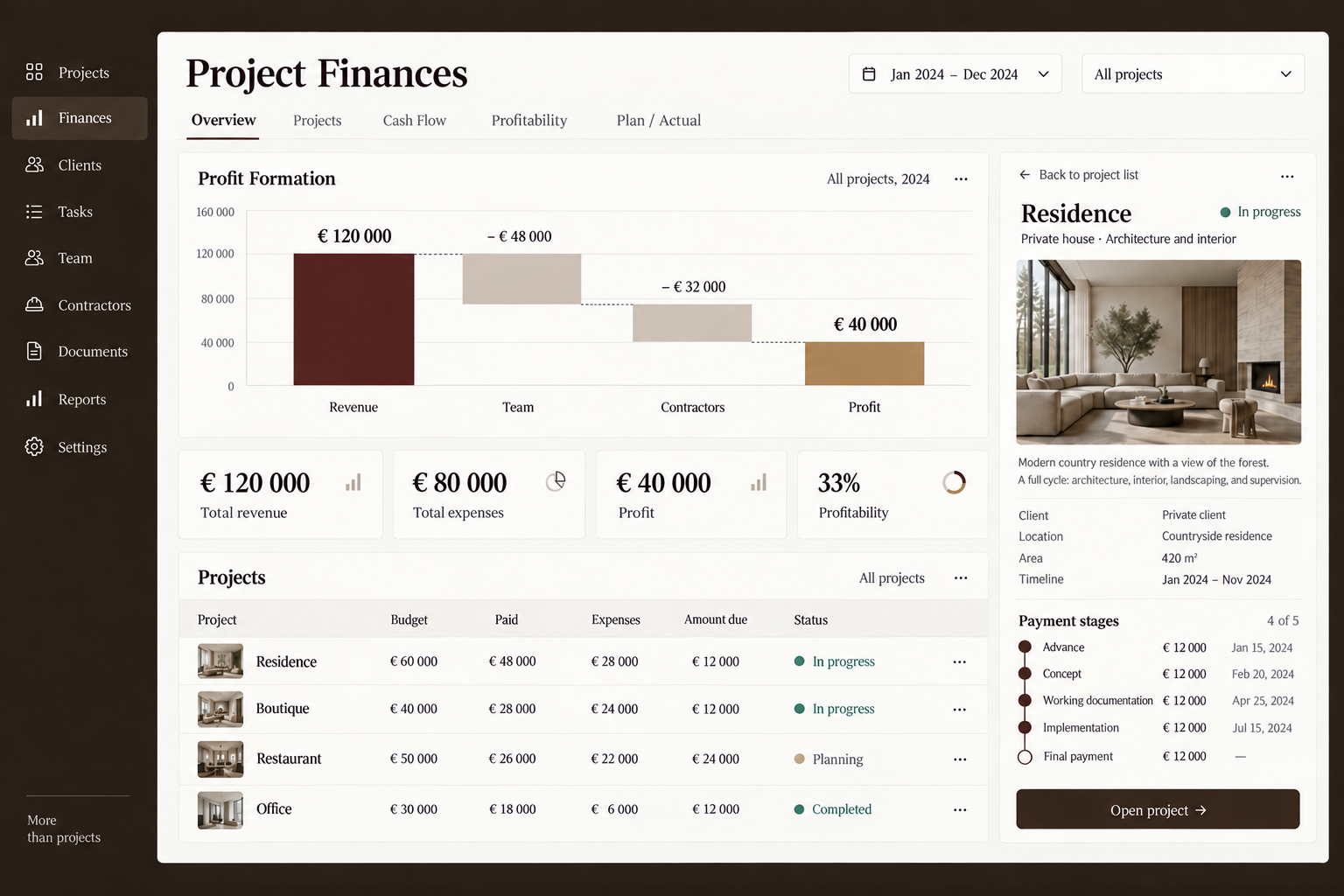
Financial management

Revenue, commitments and cash flow

We'll link financial transactions to projects, orders and counterparties. Accruals and actual payments stay separate, with budgets, a payment calendar and reports reflecting your management-accounting structure.

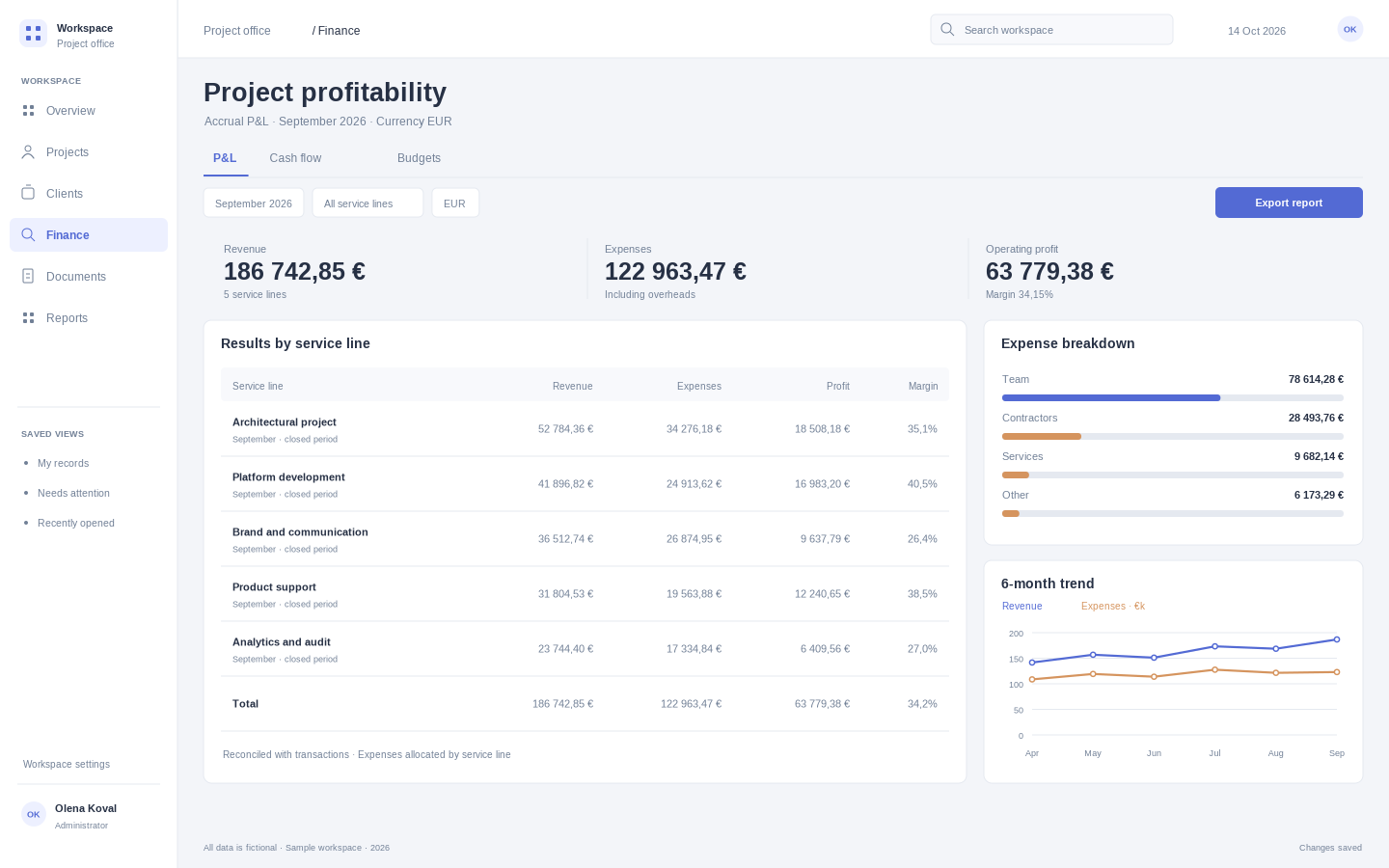
Budget vs actual by project and business line

Compare planned and actual revenue, direct costs and allocated expenses. See order margins, reasons for deviations and the impact of unfinished work on results for a selected period or business line.

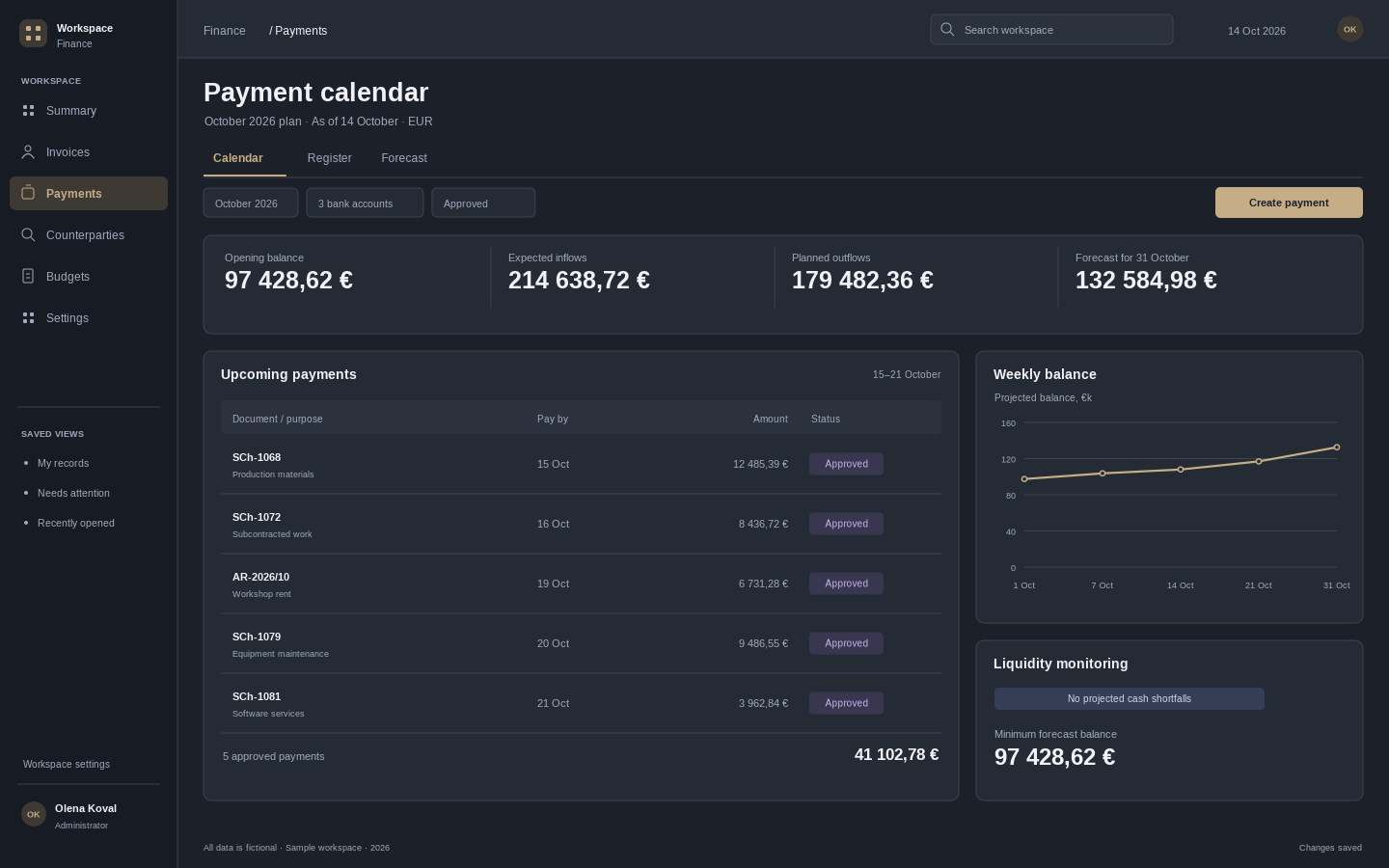
Payment calendar and cash flow

We'll organise expected receipts and required payments by date, account and currency. Confirmed payments stay distinct from forecasts, with projected balances and potential cash shortfalls visible before payment dates.

Receivables and partial payments

We'll match invoices to payments, deposits and refunds. Age receivables, flag overdue balances and responsible staff; managers can review settlement history and prepare reminders for a specific invoice.

What your system can include
  • Management accounting
  • Plan vs actual
  • Cash movements
  • Payment calendar
  • Accounts receivable
  • Profit margins
  • Budgets
  • Multiple currencies
  • Partial payments
Cash flowOctober 2026
Closing balance44 535 €Plan
Opening balance27 943 €
Inflows48 376 €
Outflows31 784 €
Inflows
Outflows
Opening balance + inflows − outflows
Scenario illustration · Demo data

Documents & contracts

The latest version and a clear document status

Create documents from CRM data, retain versions and route approvals. Contracts, invoices, completion certificates and appendices link to the clients, orders and commitments they concern.

Templates for different deal terms

The system fills the right template with company details, order items, prices and agreed terms. Separate forms for different entities, products or contract types include a required review before issue.

Approvals and revision history

Define sequential or parallel reviews, deadlines and owners. Preserve comments, versions and decisions; material changes can trigger a new approval round.

Contract deadlines and completeness

See missing appendices, expiry dates and upcoming obligations. Link documents to delivery stages and payments; external e-signature integration will reflect the service's interfaces and project requirements.

What your system can include
  • Document templates
  • Contracts and annexes
  • Versions
  • Approval
  • Registers
  • Completeness checks
  • Obligation deadlines
  • E-signature integration
Approval workflow2026
Contract D-1268Version 3 · 16.10.2026
Under review
  1. ManagerApproved
    10:18
  2. Legal counselReviewing the contract
    Now
  3. Team leadAwaiting review
Edits and decisions saved in history
Scenario illustration · Demo data

Team & workload

See workload before deadlines slip

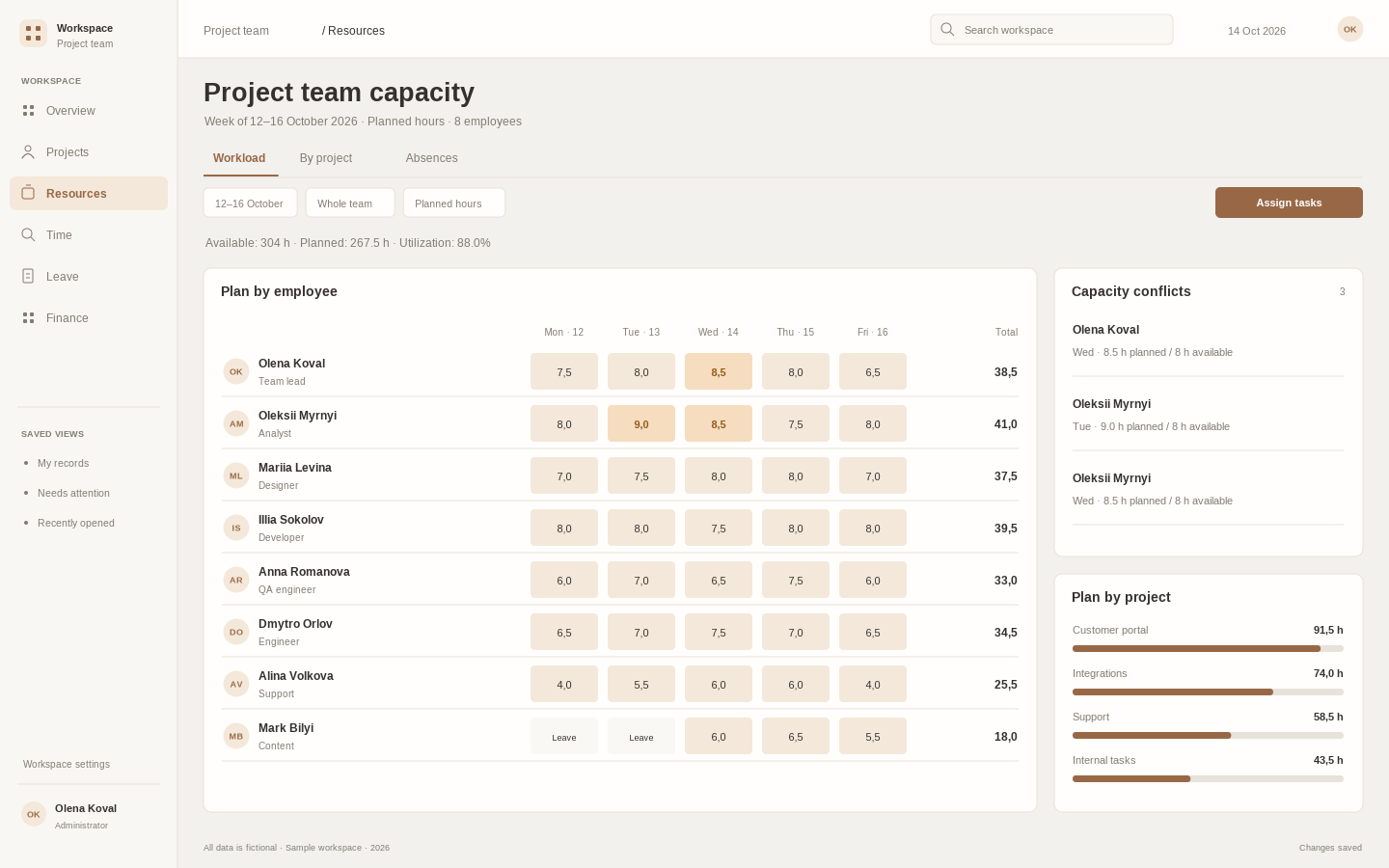
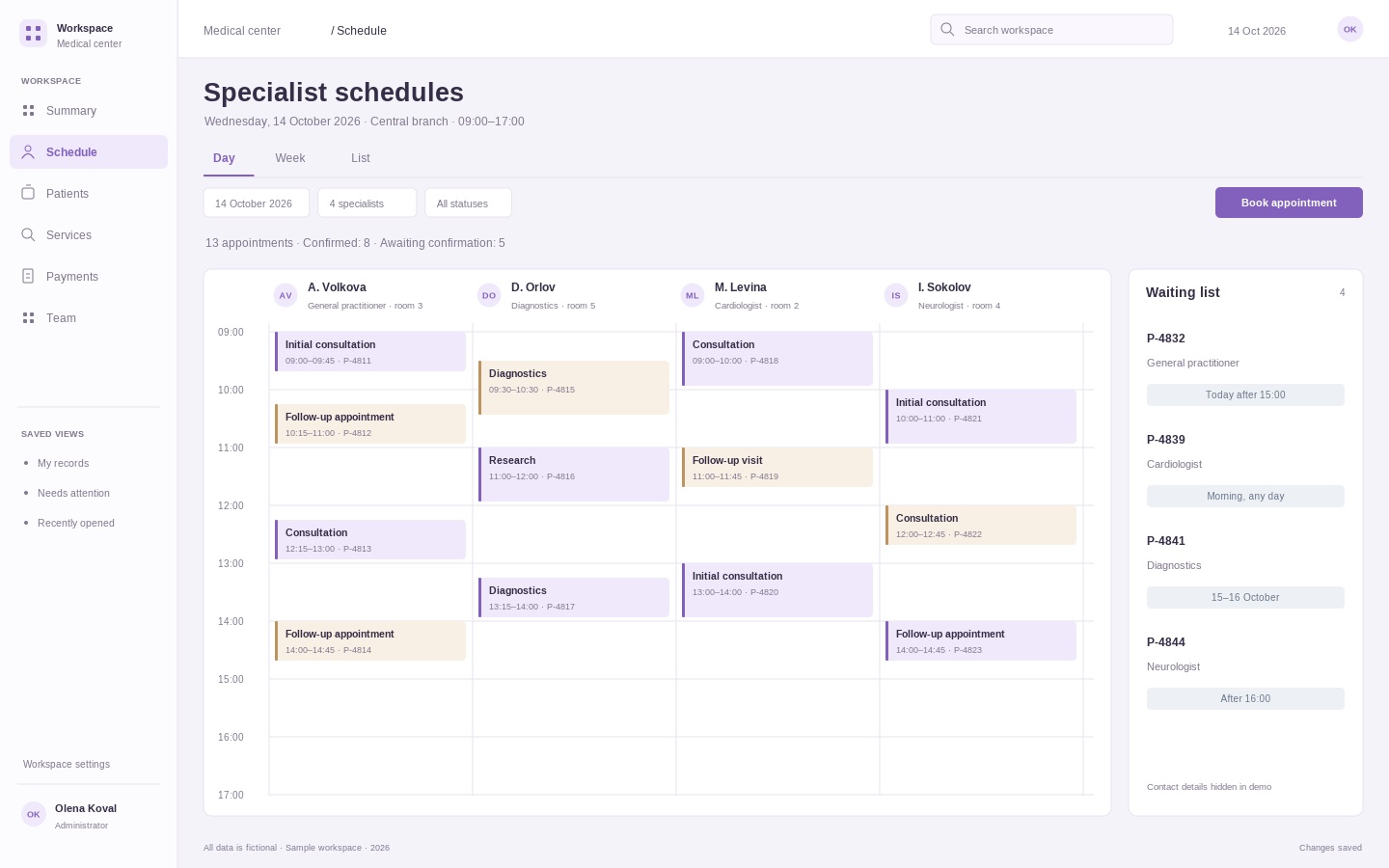
Tasks, projects, schedules and ownership share one workspace. We'll account for roles, working hours, skills and availability so managers see the real workload and everyone knows the priorities.

Planning around availability

See shifts, leave, busy slots and available staff. Assignments account for required skills, duration and dependencies, with warnings for overlaps and individual overload on the selected day.

Time and outcome tracking

Add timers or manual time entries to tasks and projects. Managers can compare planned and actual effort, identify unfinished work and assess time spent on different types of operations.

A workspace for every role

Sales staff see their enquiries, specialists their assignments, and managers the department's workload. We'll configure access to fields, documents and actions, plus temporary reassignment when someone is away.

What your system can include
  • Tasks and projects
  • Staff workload
  • Shifts and schedules
  • Time tracking
  • Roles and permissions
  • Task dependencies
  • Staff cover
  • Team metrics
Team capacity12–16 October 2026
Planned / availableHours this week
Anna32 / 40 h
8 hours available
Dmytro44 / 40 h
Over capacity: 4 hours
Iryna26 / 32 h
Availability including leave
4 hours can be assigned to Anna
Scenario illustration · Demo data

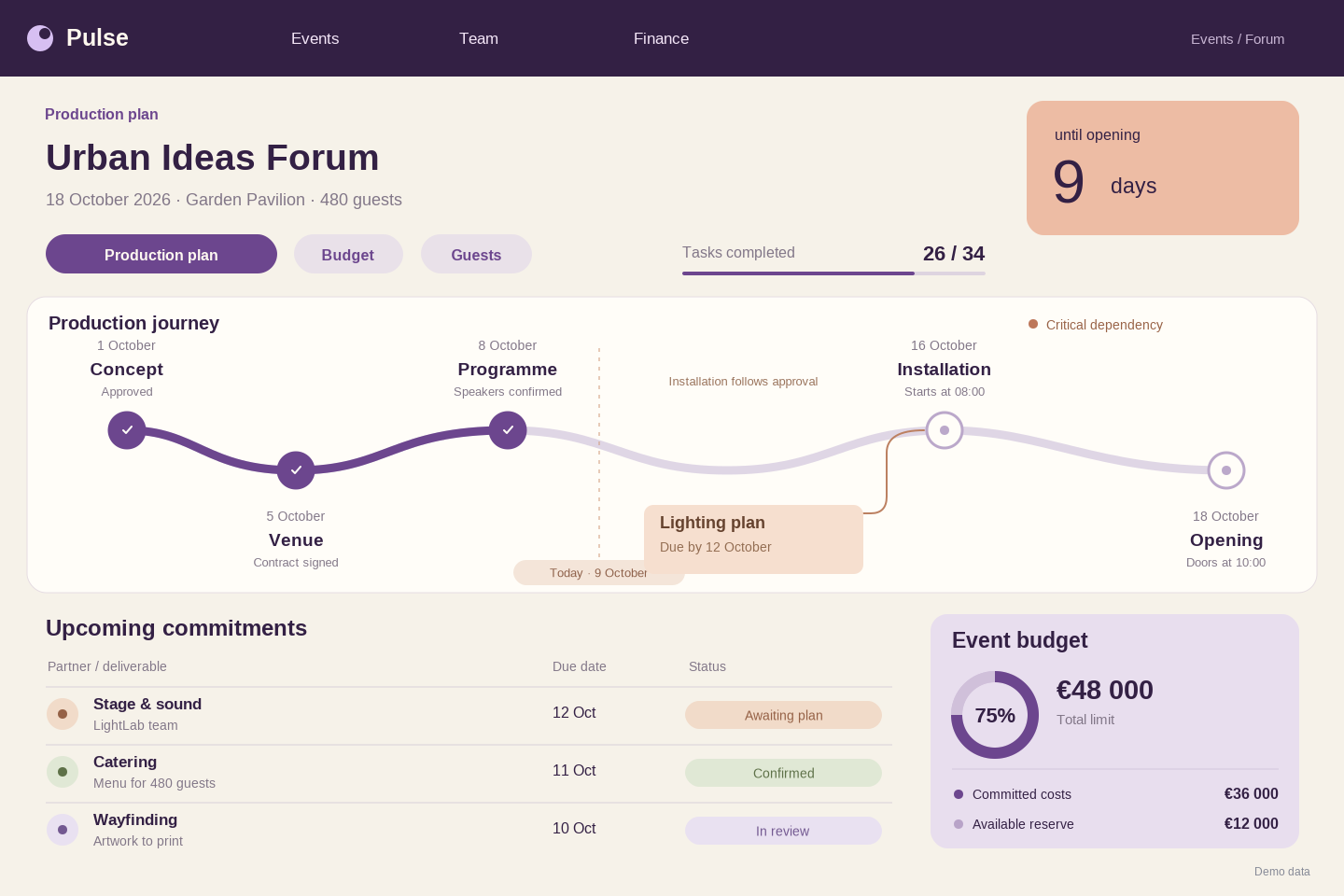
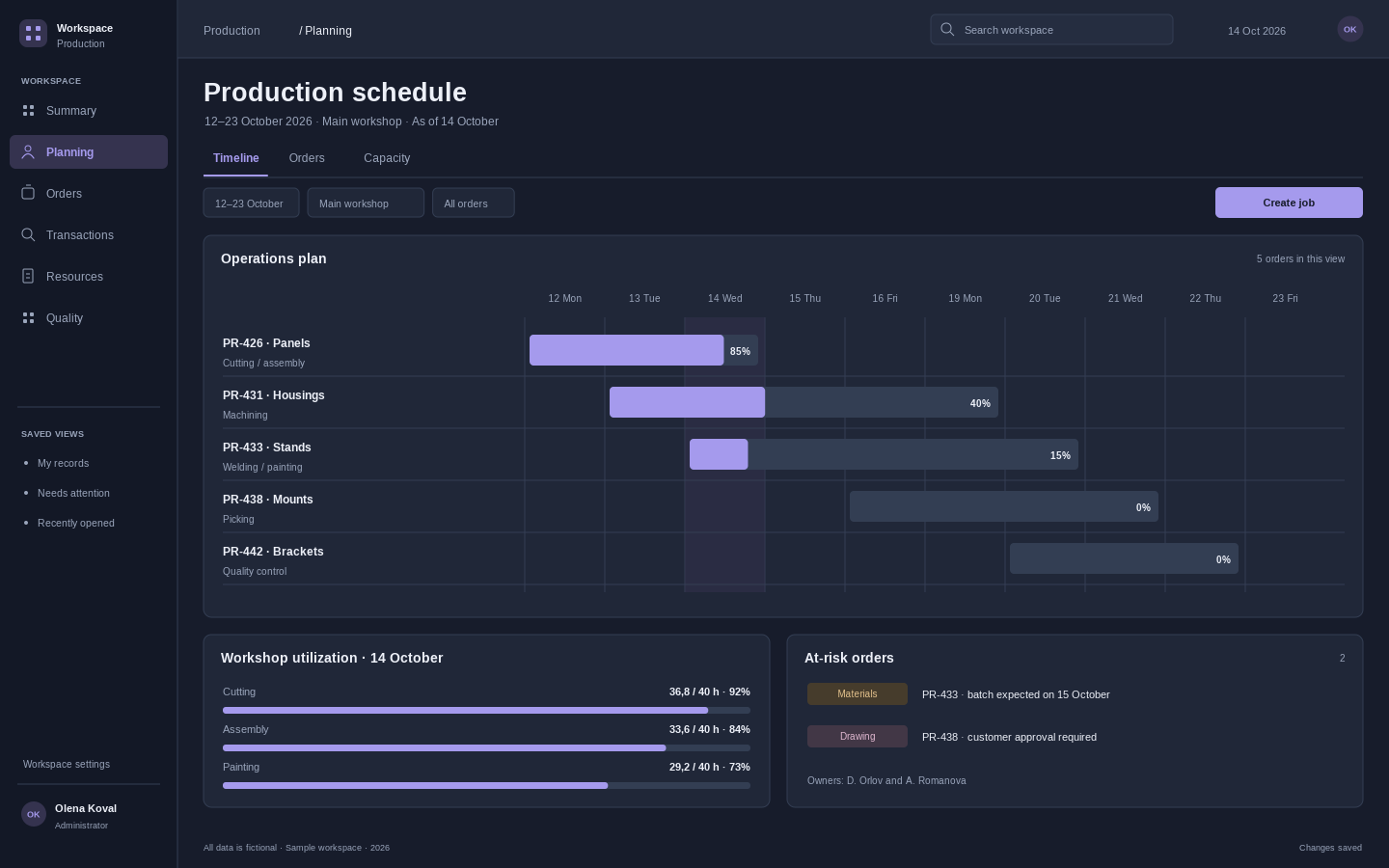
Production

Materials, capacity and orders in one plan

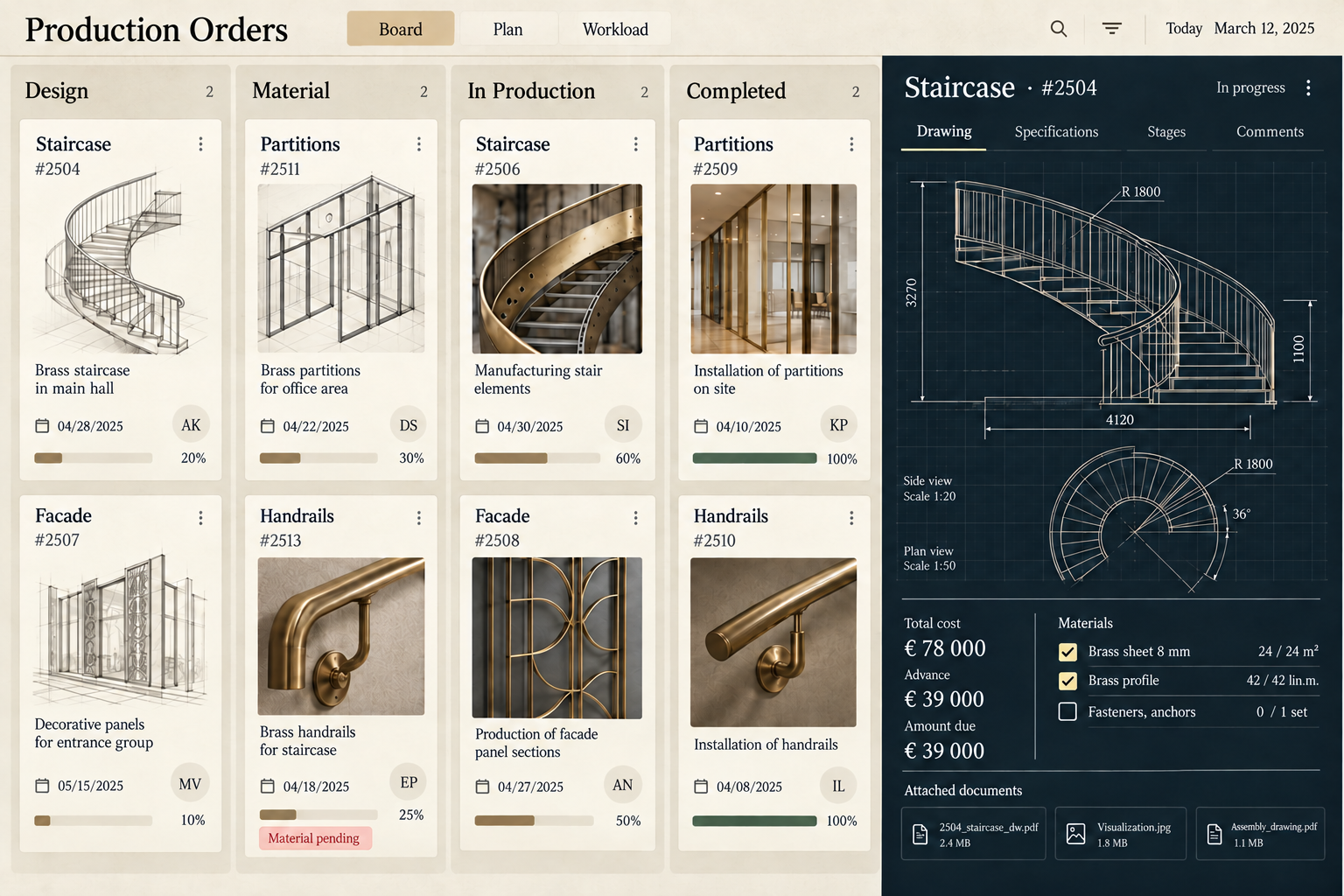
We'll link customer orders to bills of materials, process routes and production tasks. Track materials, machine workload, actual operations and quality checks at the level of detail your production process requires.

Bills of materials and material requirements

Store specifications, bill-of-material versions and permitted component substitutes. Calculate requirements per production order, check material coverage and identify what must be purchased or made before work starts.

Work-centre and equipment capacity

Schedule operations across work centres, accounting for calendars, duration and changeovers. Dispatchers see the order queue, bottlenecks and how rescheduling an operation affects the overall completion date.

Actual output and quality control

Staff record completed operations, material use, output and defects. We'll configure checkpoints, checklists and deviation reasons, linking inspection results to the batch, order and responsible operator.

What your system can include
  • Product specifications
  • Material requirements
  • Production orders
  • Equipment capacity
  • Production routing
  • Cost of goods
  • Quality control
  • Defect tracking
Order P-216October 2026
Units assembled18 of 48
In assembly
Operation
1213141516
Materials
Available
Cutting
48 / 48
Assembly
18 / 48
Review
DoneIn progressPlan
Scenario illustration · Demo data

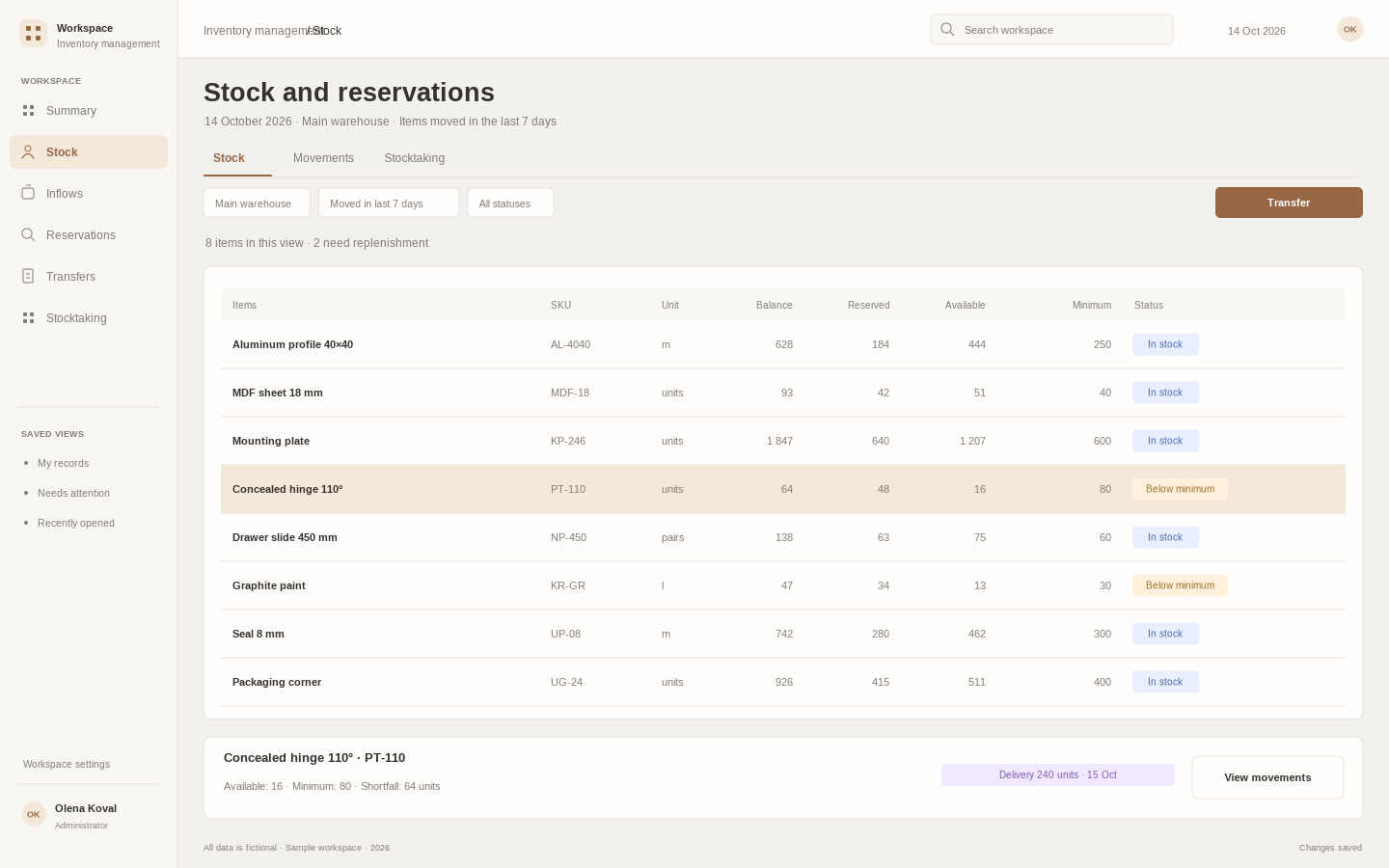
Inventory & purchasing

From purchase request to customer delivery

We'll track goods, materials and equipment across warehouses, orders and departments. Batches, serial numbers, reservations and delivery dates ensure available stock reflects the company's actual commitments.

Stock after reservations

Separate physical stock, reserved items and available quantities. Reservations link to orders and expiry dates; transfers, write-offs and returns remain in each product's and warehouse's history.

Purchasing around demand and lead times

Compare order requirements with stock and incoming deliveries. Prepare purchase requests, supplier quote comparisons and partial-receipt tracking, accounting for agreed prices, deadlines and minimum order quantities.

Traceability for every batch

Add batches, serial numbers, expiry dates and storage locations. During stocktaking, staff compare physical quantities with the system, record discrepancies and send adjustments to the warehouse manager for review.

What your system can include
  • Multiple warehouses
  • Reservations
  • Batches and serials
  • Purchasing
  • Suppliers
  • Barcodes
  • Stocktaking
  • Returns
  • Bin locations
Stock and reservations2026
Power module MX-24Warehouse A · bin C-14
In stock148
Reserved57
Available91
Minimum: 100 units9 units short
Next delivery
64 units19 October 2026
155 units available after delivery
Scenario illustration · Demo data

Integrations & data exchange

Your services exchange data by shared rules

We'll connect CRM to your website, app, accounting and communication services. Define data sources, exchange directions and conflict-resolution rules, then verify possible integrations against external APIs.

Orders, payments and stock across systems

Agree mappings for fields, reference lists and statuses across services. Transfer required data in the chosen direction, preserve external IDs and prevent duplicate records on retries.

API events and scheduled updates

Where webhooks are supported, changes trigger event-driven exchange. Other sources use periodic sync, batch uploads or file imports with format and required-field validation.

Failures are visible and traceable

Add exchange logs, failed-operation queues and retries. Respect external rate limits; the owner sees error causes, affected records and can retry after correcting the data.

What your system can include
  • API and webhooks
  • Websites and apps
  • Accounting systems
  • Payment services
  • Telephony
  • Messengers and social media
  • Exchange queues
  • Error log
  • File imports
Services exchange data2026
WebsiteOrders
MessengerMessages
CRMShared
data
RecordsPayments
AppStatuses
Order 1268 updated12:41 · status synced to the app
Scenario illustration · Demo data

Process automation

Routine actions follow defined conditions

Turn repetitive work into controlled workflows: event, conditions, actions and exceptions. Define where the system acts on its own, where it asks for approval and what happens when data is missing.

Branching workflows with conditions

After a status change, the system checks the amount, customer type or order contents and chooses the next step. Workflows can include parallel tasks, waiting for an event and returning work for revision.

Events, deadlines and recurring work

Trigger actions after payment, stock receipt or stage completion. On schedule, CRM can create repeat orders, remind customers to renew and check records with no recent activity.

Execution tracking and human intervention

Keep conditions, actions and results for every run. Owners can stop a workflow, correct inputs or retry a step; important operations require an authorised employee's approval.

What your system can include
  • Events and triggers
  • Process branching
  • Conditional tasks
  • Recurring transactions
  • Approvals
  • Timers and reminders
  • Exception handling
  • Run history
Conditional workflow2026
EventOrder paid
32 486 €
Condition checkOrder total> 25 000 €
YesApproval
finance
Task created
NoHandover
to production
Alternative path
Task assigned by an automation rule
Scenario illustration · Demo data

AI & communication

Conversations and assistants with business context

Connect AI to agreed data and tasks and build chats for your team and clients. Define knowledge sources, access rights and operations where an assistant's answer or action needs human review.

An assistant for your knowledge base and CRM

Staff can find information, get a client summary or draft a reply. The assistant respects the records it can access and cites sources where the workflow calls for it.

Documents and requests without manual re-entry

Extract document details, classify requests and prepare records. Ambiguous values go for review; corrections and source material remain alongside the processed result for later checks.

Team and client chats on your own platform

Build private and group conversations, order discussions, attachments and notifications. Client chats link to support records, internal discussions have separate permissions, and handoffs to staff remain in the history.

What your system can include
  • AI assistants
  • Search knowledge base
  • Summaries and drafts
  • Document recognition
  • Internal chats
  • Customer chats
  • Custom engine
  • Human review
Assistant and team member2026

When will my order be ready?

AI draftNot sent

Your order is in assembly. Expected completion: 22 October.

Source: order 1268
Anna · supportReviews replies before sending
Scenario illustration · Demo data

Need something beyond this list?
Let's discuss how to build it.

Explore the possibilities

Privacy

Your data
stays yours

We guarantee the confidentiality of your data, project details and the fact that we work together.

Access under your control

Role-based permissions, an activity log and agreed rules for accessing information.

Protection and recovery

Encrypted transmission, backups and data recovery procedures.

Commitments in writing

Storage and security requirements are set out in the contract. We sign an NDA on request.

System accessPermissions for every role
Demo
AK
AdministratorSettings and administration
Full access
MV
ManagerCustomer management
Own deals
EN
AccountantPayments and documents
Finance
NDA

Signed at your request
before you share information

Let's start with your needs

What should
be in your CRM?

Let's discuss the system you need

Tell us what your business needs.
We'll work out how to build it into your CRM.

Initial needs assessment is free

LMG / Your project

Let's start with your needs

Leave your details and let's discuss your future CRM.

You can paste a number with its country code.

By submitting, you allow LMG to contact you about your project. We store your contact details, language, URL, IP and available location in our CRM; the LMG team also receives the enquiry in Telegram.